What Smart Home Devices Actually Collect
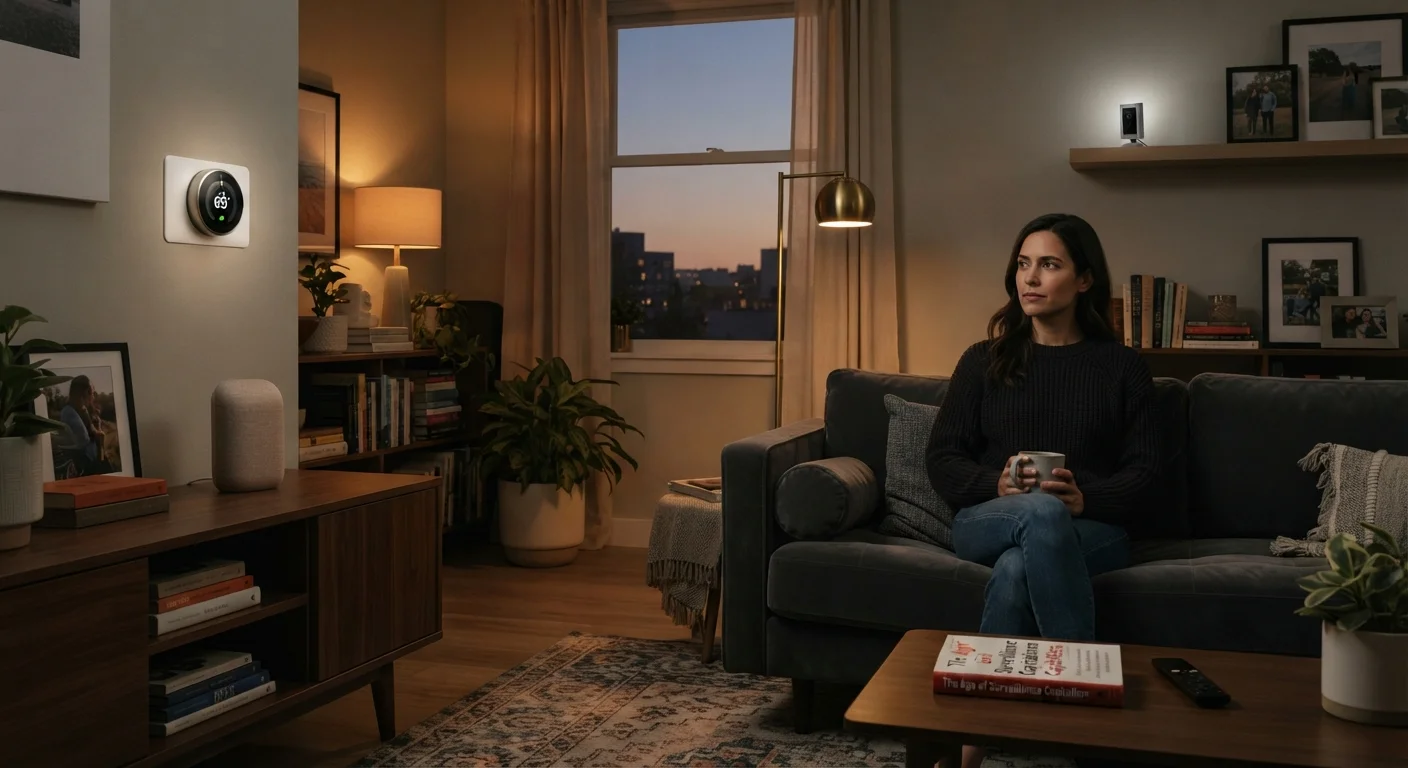
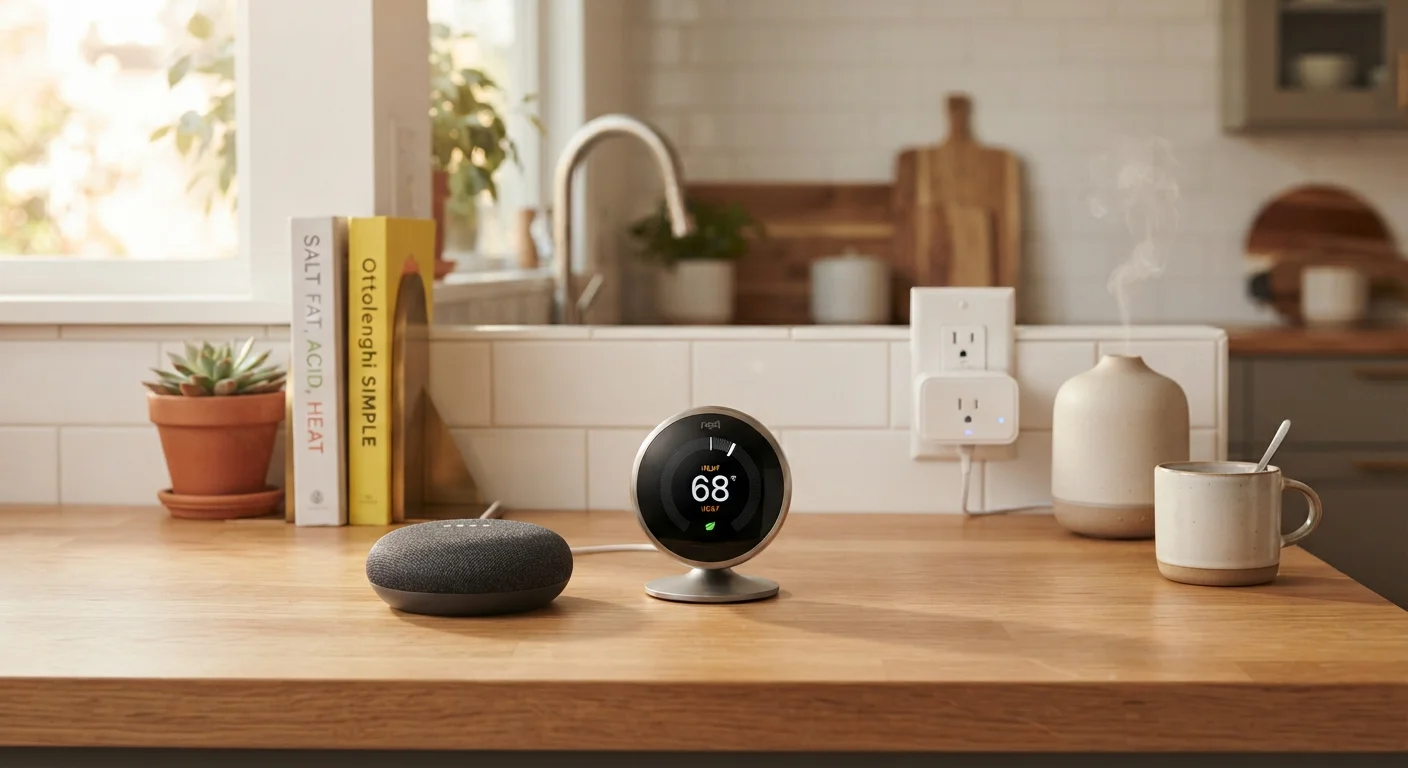
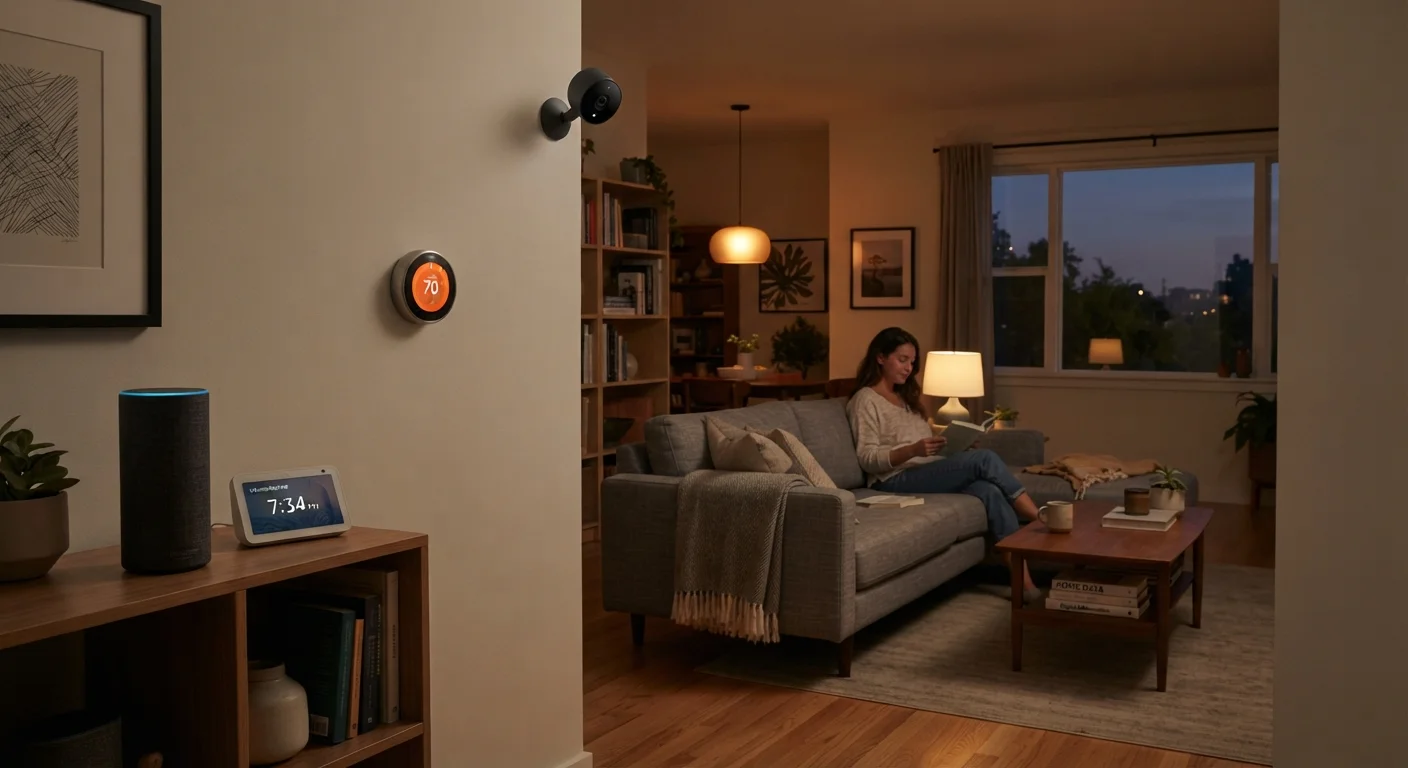
Smart home devices are built around data. To deliver personalized, responsive experiences, they monitor your behavior and environment - often more than most owners realize. The specific data collected depends heavily on the device type.
Smart speakers and displays process voice commands and, in many cases, retain audio clips - including short recordings captured when a wake word is accidentally triggered. Usage logs (what you asked, when, and how often) are typically stored on manufacturer servers. Some platforms use this data to improve speech recognition or serve targeted content.
Smart thermostats track when you're home, your preferred temperature schedules, and sometimes infer occupancy patterns. This behavioral data can be quite detailed over time - useful for energy savings, but also a portrait of your daily routine.
Smart cameras and video doorbells collect the most sensitive category of data: continuous or motion-triggered video footage, often stored in the cloud. Some devices also apply facial detection or motion-zone analysis, which generates additional metadata beyond raw video.
Smart plugs, bulbs, and locks generate lower-risk data - mostly on/off timestamps and app interaction logs - but they still transmit usage patterns to external servers.
Data Retention Varies Widely by Manufacturer
How long a company keeps your data - and whether you can delete it - differs significantly between platforms. Some allow full history deletion through the companion app; others retain server-side logs for extended periods even after you delete local records. Before purchasing a device, reviewing the manufacturer's privacy policy for specific retention timelines is worth the effort. Look for explicit statements about user-initiated deletion and whether anonymized data is excluded from deletion requests.
For a deeper look at the specific risks each device type presents, see our detailed privacy risk breakdown for households with connected devices.
The Pros of Smart Home Data Collection
Data collection isn't purely a liability. Many of the features that make smart home technology genuinely useful depend on it.
Personalization improves over time with usage data
Thermostats learn your schedule to optimize heating and cooling automatically. Smart speakers refine voice recognition the more they're used, reducing frustrating misunderstandings.
Energy and cost savings from behavioral insights
Usage data allows thermostats and smart plugs to identify inefficiencies and suggest adjustments. Over a heating season, these optimizations can translate into measurable reductions in utility bills.
Faster, more responsive automation
When devices know your patterns - when you typically arrive home, which lights you use in the evening - routines trigger automatically without manual input.
Remote monitoring provides genuine security value
Cloud-stored video footage from cameras and doorbells can be reviewed after an incident and, in some cases, shared with law enforcement. This requires data to leave the device.
Manufacturers use aggregate data to improve reliability
Anonymized usage statistics help developers identify bugs, reduce crashes, and improve features in future firmware updates that benefit all users.
25+
Average connected devices per U.S. household
According to Deloitte's 2023 Connectivity & Mobile Trends survey, the average American household owns more than 25 connected devices, each with its own data collection profile.
~1,000
Accidental wake events per device per year
Research published by Northeastern University found smart speakers can activate unintentionally hundreds of times annually depending on household speech patterns and device sensitivity settings.
The Cons and Real Risks
The same data pipeline that enables convenience also introduces risks that are worth taking seriously - especially as the number of connected devices in a home grows.
Always-on microphones create accidental capture risk
Smart speakers are designed to listen for a wake word, but false triggers happen regularly. When they do, a snippet of unintended conversation may be recorded and sent to a server.
Data sharing with third parties is common
Many manufacturers share or sell anonymized usage data with advertising partners or analytics firms. The definition of "anonymized" varies, and some research has shown re-identification is possible with behavioral datasets.
Default privacy settings favor data collection
Manufacturers set devices to collect broadly by default, placing the burden on the consumer to opt out. Most people never visit the relevant settings screens.
Cloud storage introduces breach exposure
Video footage and usage logs stored on external servers are subject to the security practices of that company. A breach at the manufacturer level can expose sensitive household data regardless of your own network security.
Detailed behavioral profiles accumulate invisibly
Individually, each data point seems minor - a light turned on, a door unlocked. Aggregated over months, these records form a precise picture of your household's daily routines and occupancy patterns.
Privacy policies change without prominent notice
Manufacturers can update their data use terms after you've purchased and set up a device. Users are technically notified, but policy changes are rarely surfaced in ways that prompt action.
What You Can Actually Do About It
You don't have to choose between smart home features and reasonable privacy. A focused set of steps gives you meaningful control without gutting device functionality.
- Review app permissions immediately after setup. Most companion apps request access to your microphone, location, and contacts. Grant only what the device actually needs to function.
- Check for local processing options. Some thermostats and cameras offer modes that keep data on-device or on your home network rather than uploading it to the cloud. These options are usually buried in advanced settings.
- Disable voice history storage. Major smart speaker platforms allow you to stop saving voice recordings and to delete existing history. This option is not on by default.
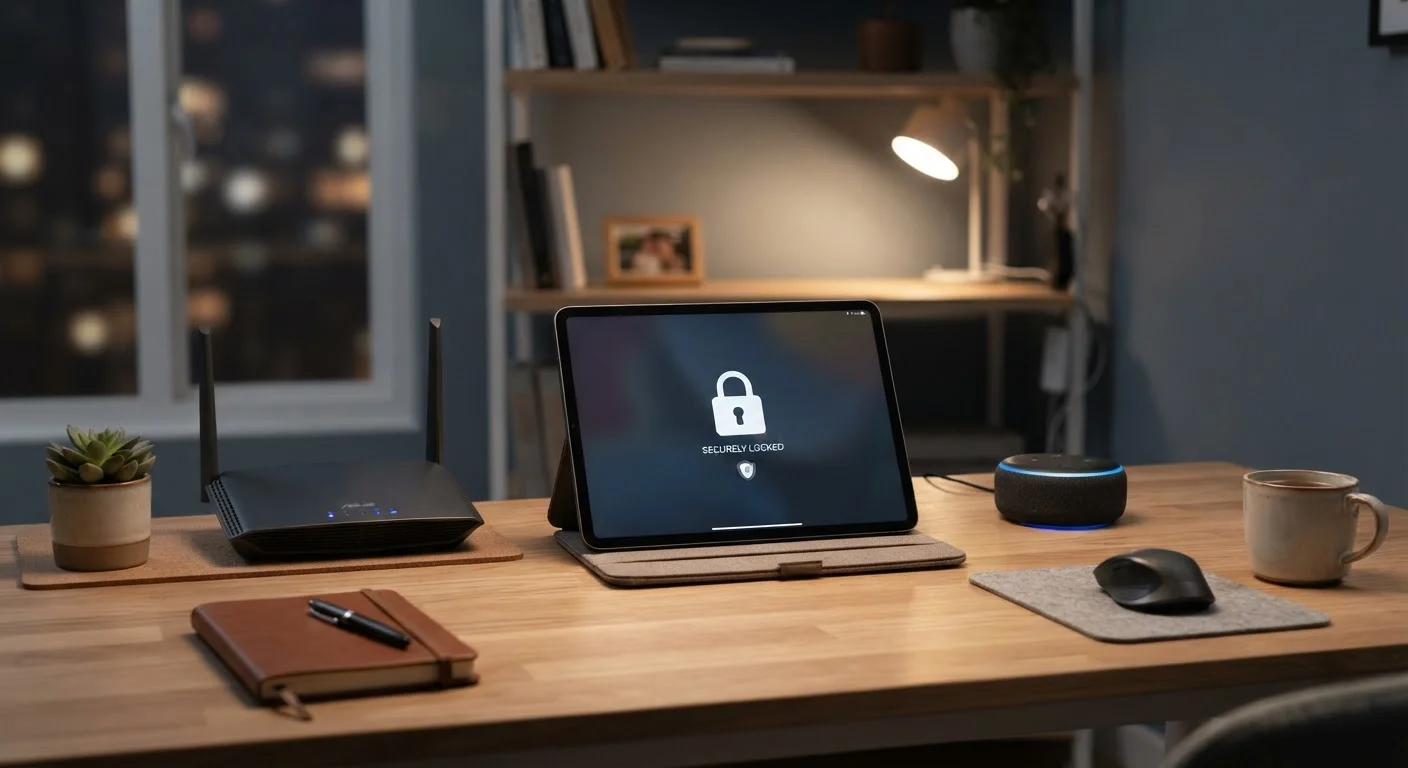
- Use a separate network for smart devices. Setting up a dedicated Wi-Fi network (sometimes called a guest network or IoT network) for smart devices limits the data they can access from your other devices.
- Audit connected third-party apps. Each app or service you link to a smart home platform adds another potential data handler. Review and revoke integrations you no longer use.
Before adding any new device, run through a pre-purchase checklist that includes reviewing the manufacturer's data retention policy. And once devices are in place, ongoing security habits - like updating firmware and rotating passwords - reinforce the privacy steps you've already taken.
If you're newer to smart home technology generally, common smart home myths may be shaping your concerns in ways that don't match how these devices actually work.