Why Smart Home Myths Persist
Smart home technology has been marketed with so much hype - glossy ads, sprawling setups, complex automation dashboards - that it's easy to assume it's all far beyond a typical household's reach. These impressions stick, even when the underlying technology has quietly become much simpler and more affordable.
The result: many people delay getting started based on assumptions that no longer hold true. This article addresses the most common misconceptions directly, so you can make a clear-eyed decision about whether connected home tech actually fits your life. For a foundational overview of how these devices work, see our plain-language explainer.
Myth
You need to be tech-savvy to set up and use smart home devices.
Fact
Most consumer smart devices are designed for everyday users and walk you through setup step by step using a smartphone app.
The assumption that smart home technology requires technical knowledge made more sense a decade ago, when devices often required manual network configuration or command-line programming. Today, the majority of consumer smart devices are built around guided smartphone apps that handle the technical steps behind the scenes. Connecting a smart plug or bulb typically takes under five minutes. If you can install an app and follow on-screen prompts, you have the skills required for most beginner setups.
Myth
Building a smart home requires a big upfront investment.
Fact
You can start with a single inexpensive device and expand gradually - there's no requirement to automate your entire home at once.
The idea that a smart home is an all-or-nothing project is one of the most persistent barriers to entry. In practice, there's no minimum scale. A single smart bulb or plug can be a legitimate and complete starting point. Gradual, room-by-room expansion is not only financially manageable - it's often recommended, because it gives you time to learn what you actually use before committing to more devices. Prioritizing rooms strategically can also help you get more value from early purchases.
Myth
Smart home devices only work if they're all from the same brand.
Fact
Cross-brand compatibility has improved significantly, and newer standards like Matter are specifically designed to let devices from different manufacturers work together.
Brand lock-in was a genuine concern in earlier smart home ecosystems. Each manufacturer built proprietary protocols, making mixing brands frustrating. That landscape has shifted. Many devices now support common platforms, and the Matter standard - backed by major industry players - was developed specifically to enable cross-brand interoperability. What Matter means for consumers is worth understanding before you buy, as it can inform which devices will remain compatible as your setup grows.
Myth
Smart devices are always listening and recording everything in your home.
Fact
Voice-activated devices use a local wake word to trigger recording; they are not continuously transmitting audio. However, privacy risks do exist and are worth understanding.
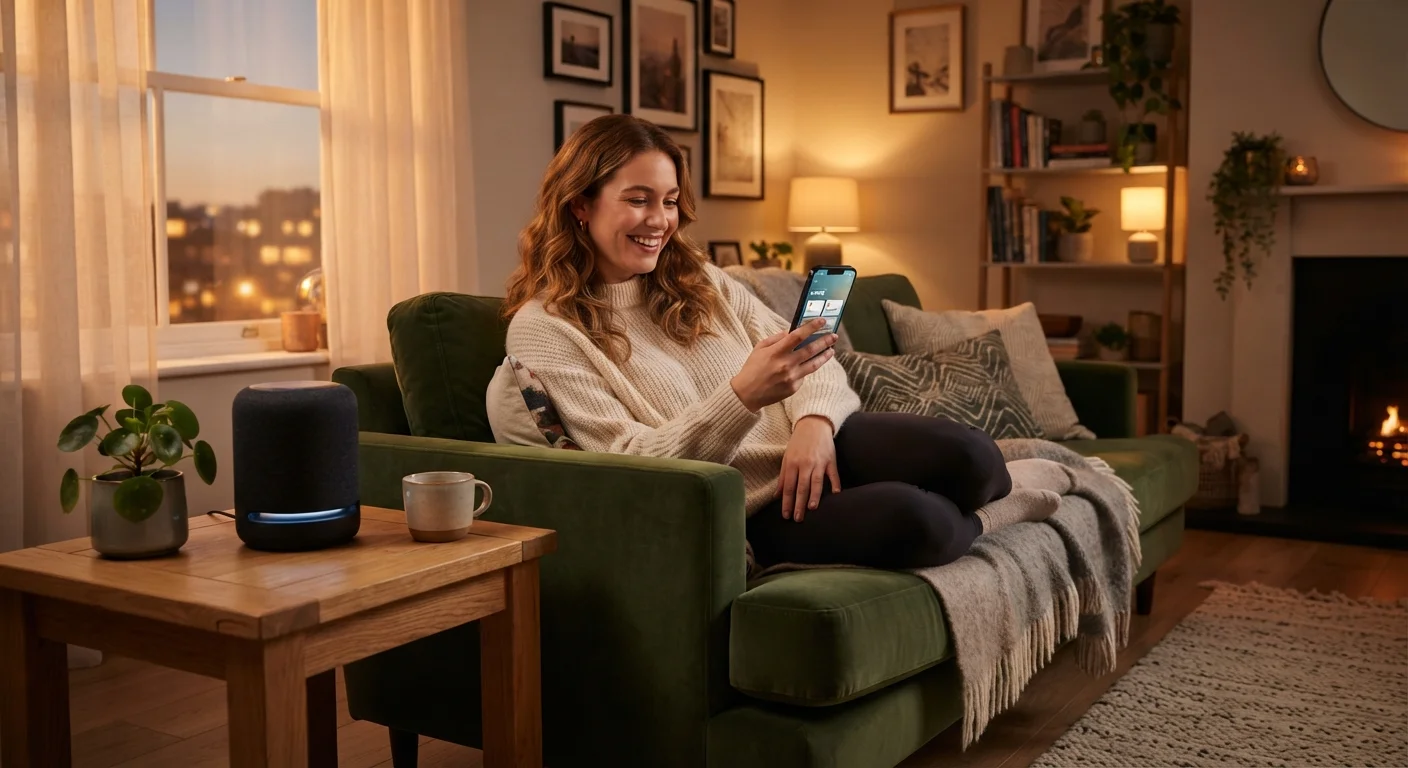
This myth contains a kernel of truth, which makes it especially sticky. Voice assistants do process audio locally to detect a wake word, and only begin transmitting to remote servers after that word is detected. That said, accidental triggers happen, and smart devices do collect usage data. The risks are real - but they are manageable. Understanding what data your devices actually collect, and adjusting privacy settings accordingly, puts you in a much stronger position than avoiding the technology entirely. An honest look at smart home privacy risks covers what's actually gathered and what you can do about it.
Myth
Smart home devices require a professional electrician or installer.
Fact
The vast majority of smart home consumer products are designed for DIY installation and require no wiring or professional help.
Some smart home upgrades - such as in-wall switches or hardwired security systems - do involve electrical work and should be handled by a qualified electrician. But these represent a subset of available devices, not the norm. Smart plugs, bulbs, cameras, thermostats, and speakers are generally plug-and-play or require only basic steps like removing a battery cover or connecting to Wi-Fi. If you're considering any device that involves your home's wiring, it's worth confirming installation requirements before purchasing - and following manufacturer guidance on when professional help is appropriate.
What This Means for Your Getting-Started Decision
Separating myth from fact doesn't mean smart home tech is right for everyone - it means you can make that judgment based on reality rather than outdated assumptions. The practical question isn't whether you're technically capable. It's whether specific devices would genuinely solve a problem or add convenience in your home.
57%
U.S. households with at least one smart device
According to Parks Associates research, smart home device ownership has expanded well beyond early adopters into mainstream American households.
~5 min
Typical setup time for a basic smart plug or bulb
Device manufacturers commonly cite guided app setup times of under ten minutes for entry-level smart home products in controlled testing scenarios.
A sensible starting point is usually one device that addresses something you actually find inconvenient - a thermostat you have to manually adjust, lights you forget to turn off, or a door you're never sure is locked. Our practical starting guide walks through realistic first steps and what to expect from early setup.
Don't Skip Network Security Basics
Adding smart devices to your home also means adding more endpoints to your Wi-Fi network. Using a strong, unique router password and keeping device firmware updated are straightforward habits that meaningfully reduce exposure. See ongoing smart home security habits for a practical rundown of what good ongoing hygiene looks like.
If terminology is still a barrier, the Smart Home Glossary defines 40 common terms in plain language - no engineering background required.
This article is for general informational purposes only. Product features, compatibility, and pricing vary widely and change over time. Verify current specifications with device manufacturers before purchasing.