What Does "Smart" Actually Mean?
The word "smart" in tech usually means one thing: the device can connect to a network and exchange data. A smart light bulb isn't fundamentally different from a regular one - it still produces light. But it can also receive instructions from your phone or respond automatically to triggers, like turning on at sunset or when you arrive home.
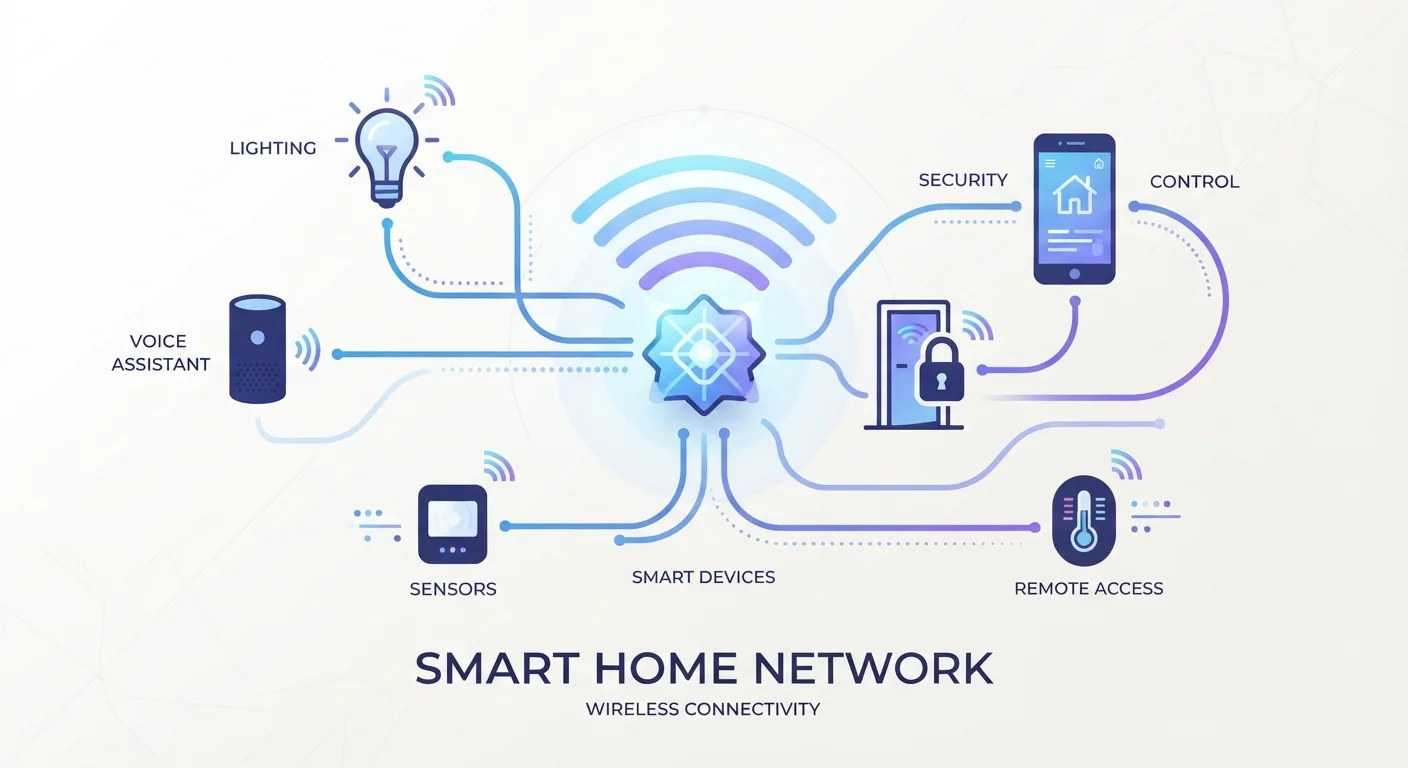
At the core of every smart home device is a small wireless radio that lets it talk to your router, a hub, or other devices. Once it's connected, you control it through an app, a voice assistant, or an automated routine you've set up in advance. The convenience comes not from any one device, but from how devices work together - and from removing the need to remember small, repetitive tasks.
For a deeper breakdown of the terminology you'll encounter while shopping, see the Smart Home Glossary for plain-language definitions of 40 common terms.
How Devices Communicate: Protocols Explained Simply
One of the most confusing parts of smart home shopping is seeing terms like Zigbee, Z-Wave, and Thread on product packaging. These are wireless protocols - essentially the "language" a device uses to communicate. Different protocols have different strengths.
~35%
U.S. households with at least one smart home device
Research from Statista and industry analysts consistently estimates that roughly one-third of American homes have adopted at least one connected device as of recent years.
3
Major U.S. smart home ecosystems
Amazon Alexa, Google Home, and Apple HomeKit are the three dominant platforms - understanding which one fits your existing devices is one of the most useful early decisions a new buyer can make.
- Wi-Fi is the most familiar. Devices using Wi-Fi connect directly to your home router - no hub needed. The tradeoff is that they can drain more power and add more traffic to your network.
- Zigbee and Z-Wave are low-power protocols designed specifically for smart home devices. They use a mesh network, meaning each device relays signals to extend the network's range. They typically require a hub to connect with your phone or voice assistant.
- Thread is a newer mesh protocol that's more efficient and designed to work with the Matter standard, making cross-brand compatibility more reliable.
Most households starting out won't need to choose deliberately - just check that any device you consider works with your existing router or voice assistant. For a more thorough comparison, see how each protocol works in practice.
Hubs, Ecosystems, and Voice Assistants
Three terms cause the most confusion for newcomers: hub, ecosystem, and voice assistant. Here's how they relate to each other.
A hub is a physical device that sits on your network and acts as a translator for smart devices - especially those using Zigbee or Z-Wave. Without a hub, those devices can't communicate with your phone or internet services. Some routers have hub functionality built in; others require a separate device.
An ecosystem refers to the broader platform your smart devices live in - Amazon Alexa, Google Home, and Apple HomeKit are the three dominant ones in the U.S. Devices within the same ecosystem share a single app interface and work together more smoothly. Mixing ecosystems is possible but can add complexity.
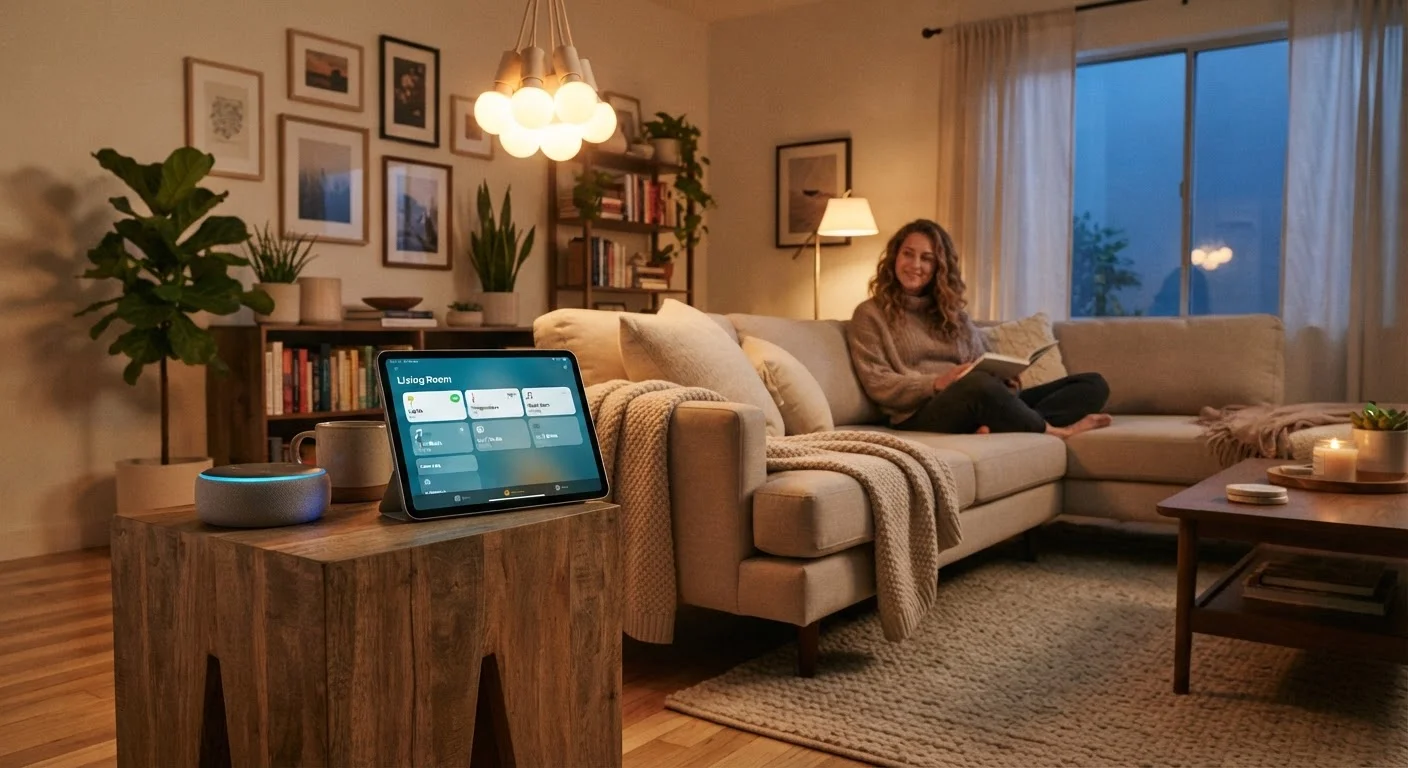
A voice assistant (like Alexa or Google Assistant) is the software layer that lets you control devices with spoken commands. Most smart speakers include a voice assistant. They're optional - you can control smart devices entirely through apps - but they're often the feature that makes a smart home feel genuinely effortless.
Start With One Ecosystem
When buying your first smart home devices, try to pick products that work within a single ecosystem - Amazon, Google, or Apple. Mixing platforms from the start can lead to apps that don't talk to each other and automations that don't fire reliably. You can always expand later once you understand how your chosen platform works.
Real-World Examples of Smart Home Technology
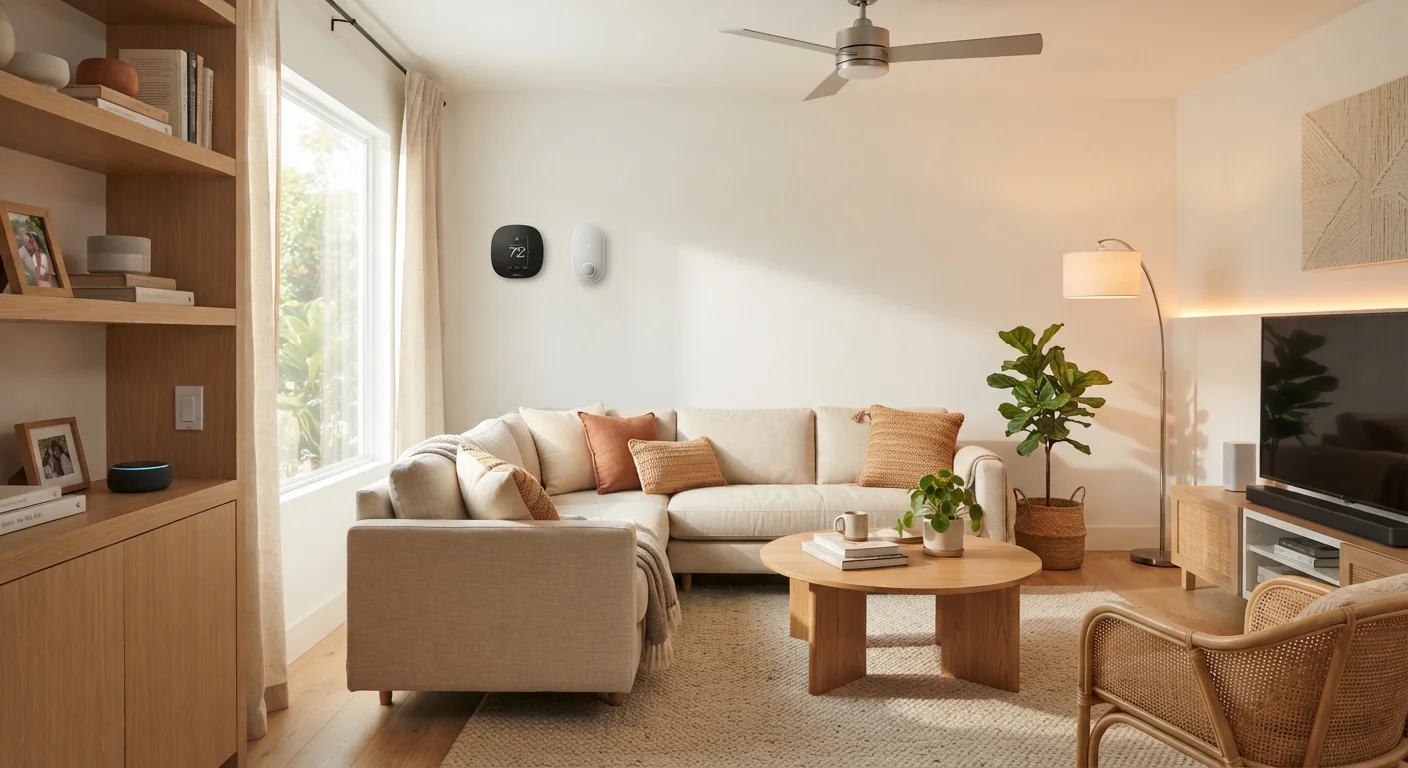
Abstract explanations only go so far. Here are some concrete ways these concepts show up in everyday home life.
If you're ready to start planning your own setup, Your First Smart Home: A Practical Starting Point walks through realistic costs and logical first steps for getting connected.
Privacy and Data: What You Should Know
Smart home convenience comes with a real tradeoff: these devices collect data. A smart thermostat learns your schedule. A smart doorbell camera records video. A voice assistant stores snippets of voice commands. This isn't hidden - but it's easy to overlook when you're focused on setting up a new device.
Most manufacturers allow you to review and delete stored data through their apps. Many also let you turn off features like voice history or cloud video storage. These settings vary significantly between brands, so it's worth spending a few minutes in the privacy or account settings when you set up any new device.
For a thorough look at what gets collected and how to manage it, see our article on smart home devices and privacy. And if you've heard that smart homes are only for tech experts or require expensive overhauls, common smart home myths worth debunking separates fact from fiction.