Why Your Smart Devices Don't All Speak the Same Language
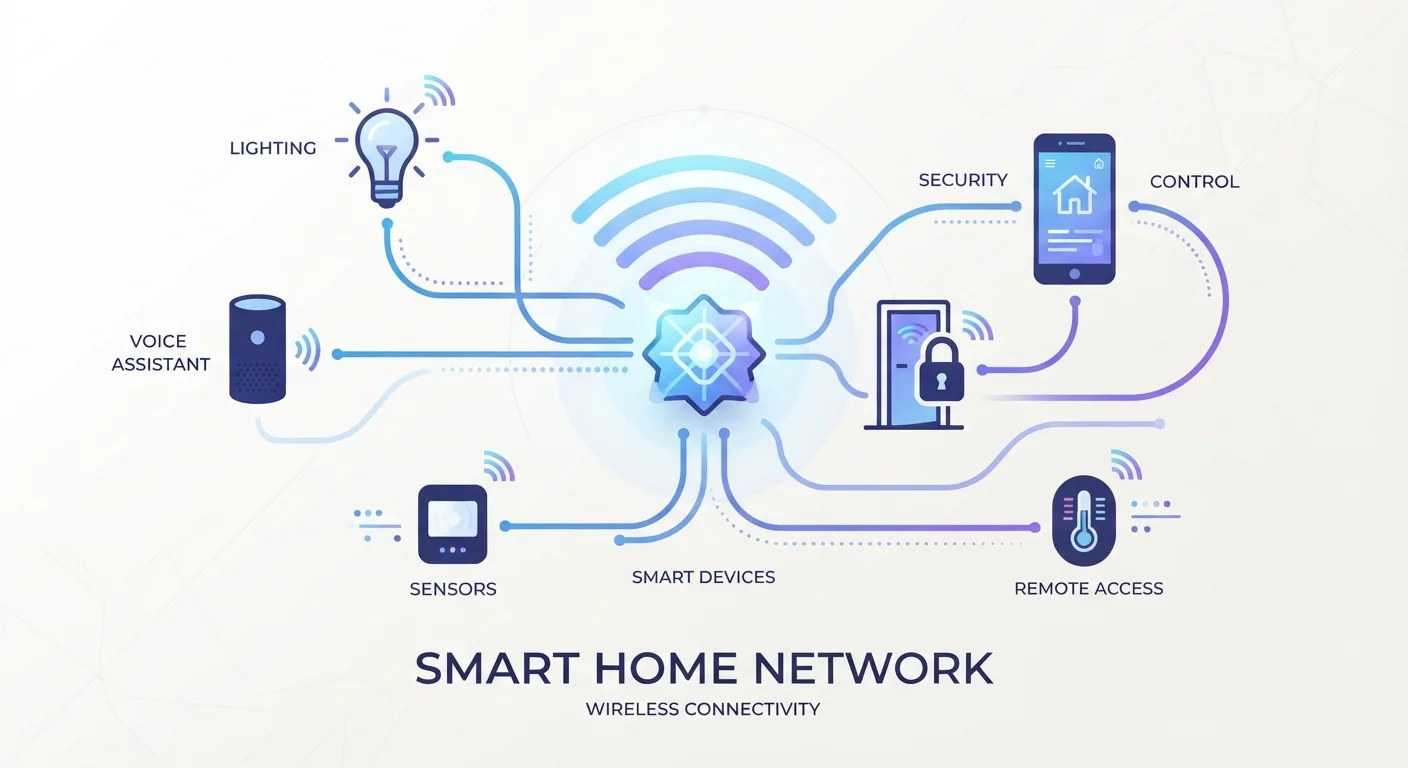
When you buy a smart light bulb, a door sensor, and a video doorbell, there is a good chance they use completely different wireless systems to connect. That is not a flaw - it reflects the fact that different smart home tasks have genuinely different requirements. A video doorbell needs high bandwidth. A door sensor needs to run for years on a small battery. A smart plug just needs to be reliably on or off.
Four protocols handle the vast majority of smart home communication in U.S. homes today: Wi-Fi, Zigbee, Z-Wave, and Thread. Understanding what each one is built for - not just what it is called - will help you make sense of device specs and build a setup that actually works. For a broader primer on connected home technology, see our plain-language smart home explainer.
| Wi-Fi Frequency | 2.4 GHz and 5 GHz |
| Zigbee Frequency | 2.4 GHz |
| Z-Wave Frequency | Sub-1 GHz (908.42 MHz in US) |
| Thread Frequency | 2.4 GHz |
| Typical Zigbee/Z-Wave Range | 30-100 ft per device (extended by mesh) |
| Wi-Fi Power Draw | Significantly higher than Zigbee/Z-Wave/Thread |
| Thread Router Required | Border Router (e.g., HomePod mini, Nest Hub) |
| Z-Wave Max Devices per Network | 232 |
Wi-Fi, Zigbee, Z-Wave, and Thread: What Each One Does
Wi-Fi
Wi-Fi connects devices directly to your home router - the same network your phone and laptop use. Its biggest advantage is simplicity: no hub required, and setup is usually straightforward. Its drawback is power consumption. Wi-Fi radios draw significantly more power than competing protocols, which is why Wi-Fi smart home devices almost always need to be plugged in. Battery-powered sensors rarely use Wi-Fi. Wi-Fi also adds load to your router; in homes with dozens of smart devices, this can cause congestion.
Best suited for: Plugged-in devices that need speed or cloud connectivity - video doorbells, cameras, smart displays, and streaming devices.
Zigbee
Zigbee is a low-power mesh protocol designed specifically for smart home use. Devices form a self-healing mesh network, meaning each Zigbee device can relay signals to others, extending coverage without additional hardware. It operates on 2.4 GHz, the same band as Wi-Fi, so interference is possible in very crowded wireless environments. Zigbee requires a compatible hub or coordinator to function. Its low power draw makes it well-suited to battery-powered sensors and switches.
Best suited for: Battery-powered sensors, smart bulbs, and motion detectors in a hub-based setup.
Z-Wave
Z-Wave operates on a sub-1 GHz frequency (908.42 MHz in the U.S.), which sidesteps 2.4 GHz congestion entirely and tends to pass through walls more effectively. It also enforces strict certification requirements, which historically has meant strong interoperability between Z-Wave devices from different manufacturers. Like Zigbee, it forms a mesh network and requires a hub. A single Z-Wave network supports up to 232 devices - well beyond the needs of most households.
Best suited for: Home security sensors, smart locks, and environments where interference is a concern.
Thread
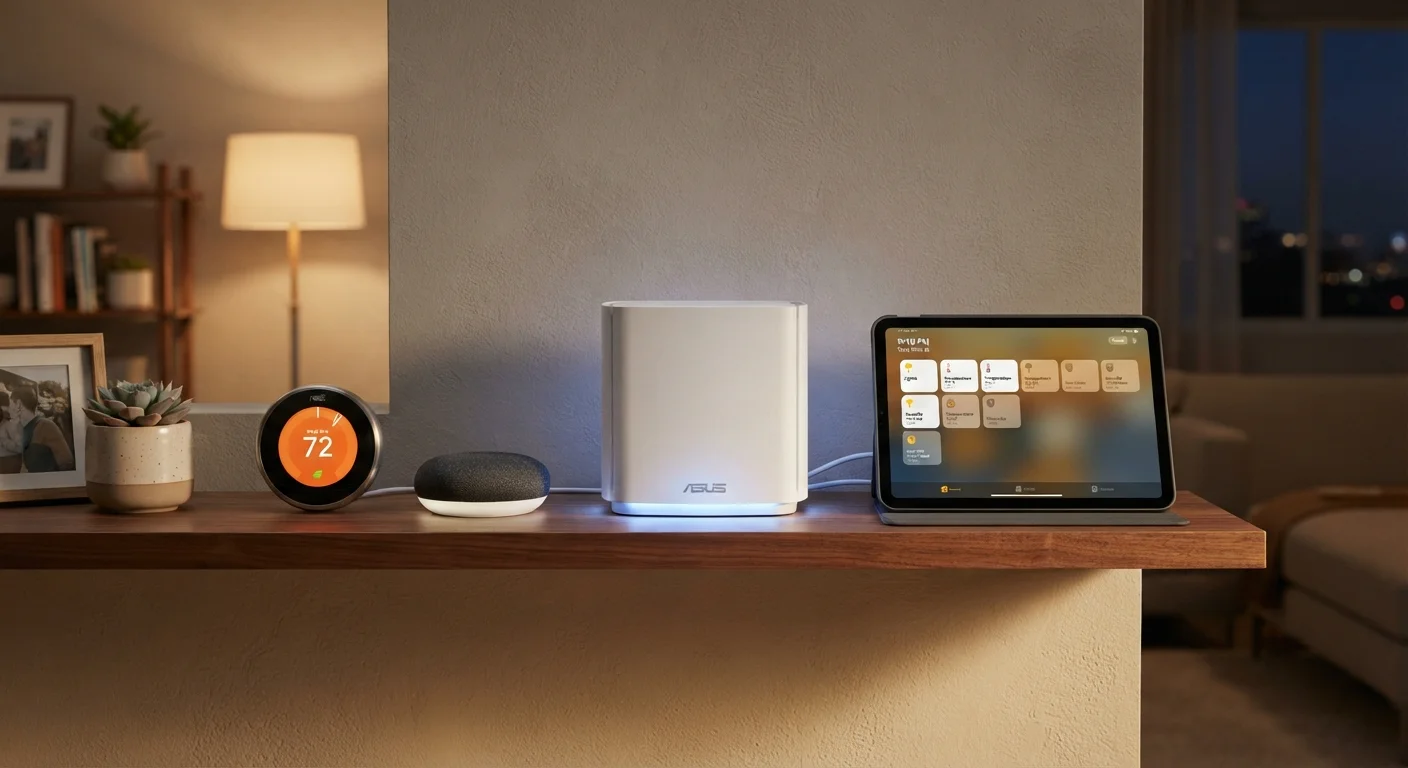
Thread is the newest of the four and was designed from the ground up as an IP-based mesh protocol. Because it uses standard internet networking principles, Thread devices can communicate more directly without proprietary translation layers. It is the wireless transport used by many Matter-compatible devices. Thread requires a border router - a device that bridges Thread and your home IP network - which is built into several modern smart speakers and hubs.
Matter Is Not a Protocol - Thread Is
Matter is often confused with Thread, but they do different jobs. Matter is a compatibility standard that defines how apps and devices communicate at the software level. Thread is the wireless radio protocol that carries that communication. A Matter device can also use Wi-Fi instead of Thread, depending on its hardware design.
Best suited for: Modern smart home ecosystems built around Matter, particularly where long-term cross-brand compatibility matters.
If you are weighing whether to go hub-based or hub-free, our guide to smart home hubs walks through when a hub adds real value.
How to Use This When Buying or Building
You rarely need to choose just one protocol. Most practical smart home setups mix and match: Wi-Fi for cameras, Zigbee or Z-Wave for sensors and locks, and potentially Thread for newer Matter-certified devices. The key questions to ask before adding any device are: Does it need to be plugged in, or will it run on batteries? Does it need a hub, and do I already have a compatible one? Will it work with the other devices I already own?
For a deeper look at how the wireless layer affects overall network stability, see our guide to setting up a reliable smart home network. And if you want a full reference of terms used across the smart home space, the smart home glossary covers 40 common definitions in plain language.
2.4 GHz
Shared frequency for Zigbee, Thread, and Wi-Fi
All three protocols share the same band, which means potential interference is a real consideration in dense wireless environments.
232
Maximum devices on a single Z-Wave network
Z-Wave's architecture enforces this ceiling, which is more than enough for most homes but worth knowing for large installations.
~250 kbps
Typical Zigbee data rate
This modest throughput is more than sufficient for sensor readings and on/off commands, though it cannot handle video or audio streaming.
No single protocol wins across all scenarios. Understanding the tradeoffs - power, range, congestion, hub dependency - is what lets you make informed decisions rather than guessing based on brand name alone.