
The Problem Hubs Are Designed to Solve
Smart home devices don't all speak the same language. A light bulb from one company may use Zigbee, a smart lock from another may use Z-Wave, and a thermostat might only connect over Wi-Fi. Without something to translate between them, these devices live in separate silos - each with its own app, its own rules, and no awareness of the others.
That's the core problem a smart home hub solves. It acts as a translator and coordinator, giving devices a shared way to communicate and letting you manage everything from a single interface. Instead of opening four apps to set the mood for movie night, a hub lets one tap - or one voice command - trigger lights, temperature, and window shades together.
For a deeper look at how connected devices actually work, see our plain-language smart home explainer.
4+
Average apps a multi-brand smart home requires
Industry analysts consistently note that households with devices from multiple manufacturers manage four or more separate control apps without a unifying hub.
~600M
Smart home devices shipped globally per year
Research firm Statista has estimated annual global smart home device shipments in the hundreds of millions, reflecting rapid mainstream adoption.
Matter
Devices certified under the new interoperability standard
The Connectivity Standards Alliance reports thousands of products have earned Matter certification since the standard launched in late 2022.
What a Hub Actually Does Day-to-Day
At a practical level, a hub does three things: it discovers and registers your devices, it routes commands between them, and it runs automations - rules like "if the front door unlocks after 6 p.m., turn on the entryway lights."
One underappreciated benefit is local processing. Many smart devices rely on cloud servers: your command travels to a data center and back before your light turns on. A hub with local processing skips that round trip, making responses faster and keeping your automations running even when your internet is out.
Hubs also consolidate device management. Adding a new bulb, checking a sensor's battery, or renaming a room happens in one place rather than scattered across multiple manufacturer apps.
Check Your Devices' Protocols First
Before choosing a hub, list the wireless protocols your current and planned devices use - Wi-Fi, Zigbee, Z-Wave, or Thread. A hub is only useful if it supports the protocols your devices actually speak. Buying a hub that doesn't match your devices is a common and avoidable mistake.
When You Actually Need One
A hub isn't a requirement for every household. Here's a practical way to think about it:
- You probably don't need a hub if you have a handful of Wi-Fi devices from one or two brands, you're happy managing them through their native apps, and you don't need complex automations.
- A hub starts making sense if you're mixing brands, using Zigbee or Z-Wave devices, want automations that run reliably without an internet connection, or find juggling multiple apps genuinely frustrating.
- A hub is almost essential if you're building a more serious smart home with dozens of devices, need reliable local control, or want to integrate devices that otherwise have no common ground.
If you're just getting started, our practical first smart home guide can help you map out a logical approach before buying anything.
The Role of Smart Speakers - and Their Limits
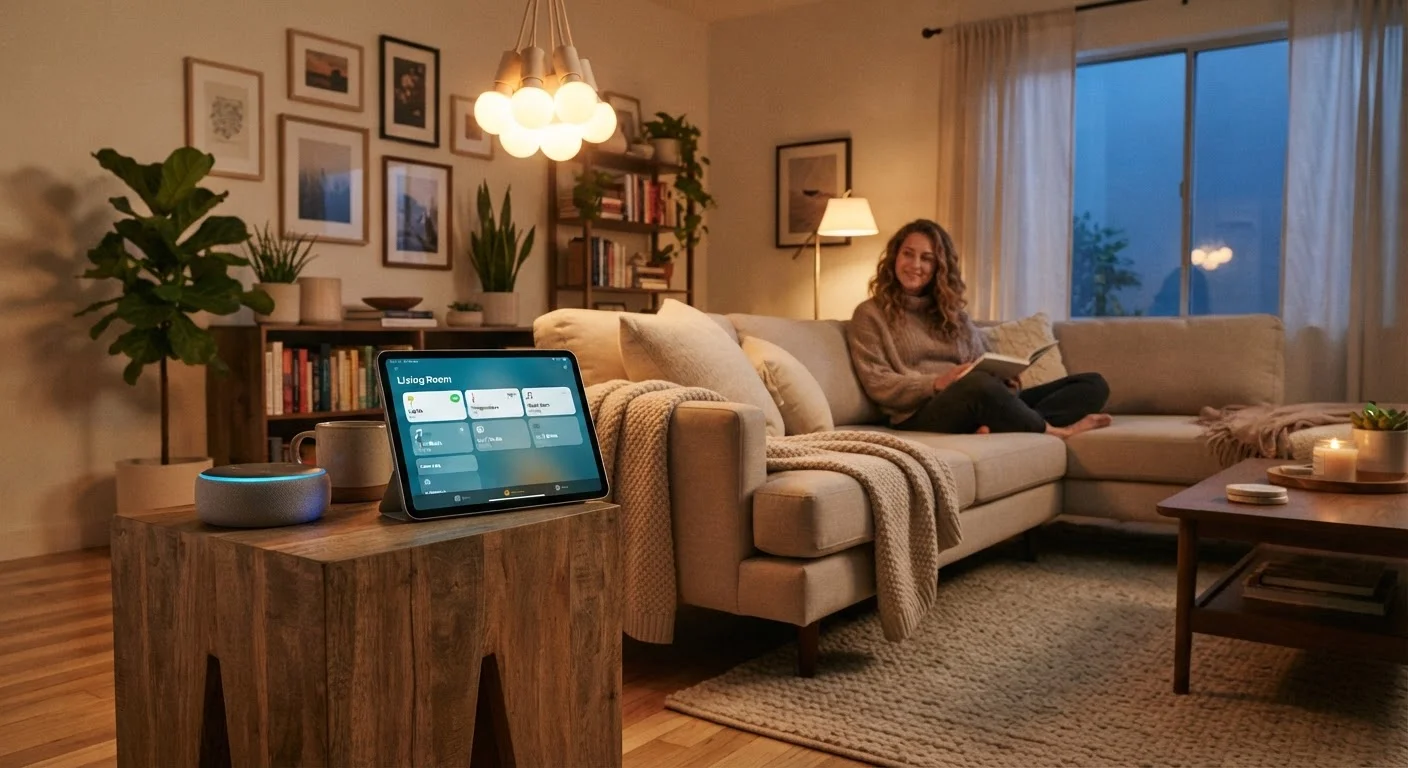
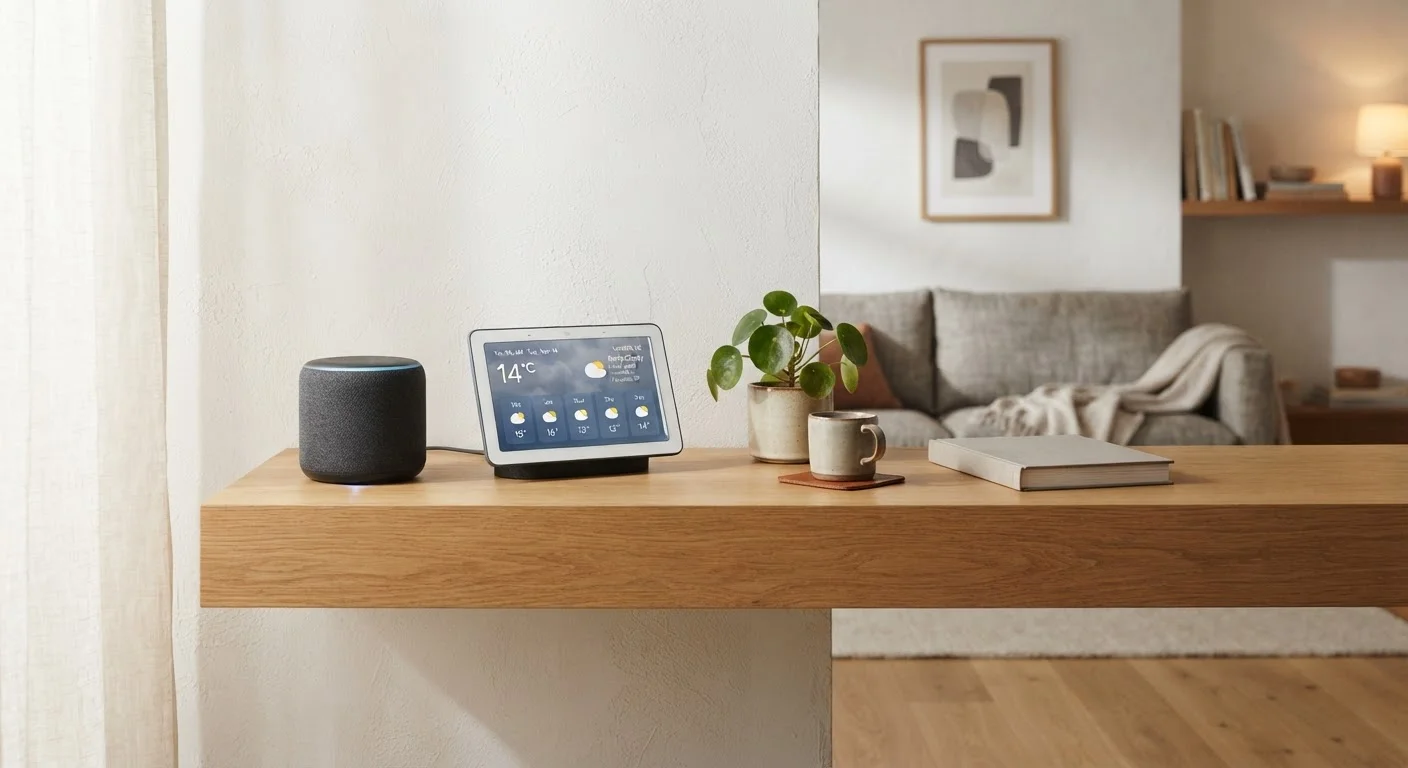
Smart speakers are often described as hubs, and there's some truth to that. They can respond to voice commands, trigger routines, and control many popular smart devices. For a small, single-ecosystem setup, they may be all you need.
But smart speakers have real limits. They typically rely on the cloud, so automations can fail when your internet is down. They don't support Zigbee or Z-Wave natively in most cases, meaning you'll still hit compatibility walls with certain devices. And their automation logic is usually simpler than what a dedicated hub platform offers.
For a side-by-side look at how these options compare, see smart speakers vs. smart displays.
“The smart home industry has long struggled with fragmentation. Consumers shouldn't need an engineering degree to make their lightbulb talk to their thermostat.”
— Connectivity Standards Alliance, Industry consortium overseeing the Matter interoperability standard
What the Matter Standard Changes
The smart home industry has been working to reduce fragmentation through a shared standard called Matter. Devices certified for Matter are designed to work across major ecosystems without requiring a brand-specific hub. In theory, a Matter-certified lock should work with any Matter-compatible platform.
In practice, the transition is still underway. Many existing devices don't support Matter, and even Matter setups often require a Thread border router - a device that connects Thread-protocol gadgets to your network. Several newer smart speakers and hubs already include this functionality, quietly absorbing the role of a traditional hub.
The takeaway: Matter is genuinely simplifying compatibility, but it hasn't eliminated the need for some kind of coordination layer. The form that layer takes is just evolving.
Once you've settled on a hub strategy, make sure your underlying network can support it - our guide to a reliable smart home network walks through the key steps.
Hubs Don't Have to Be Expensive
Dedicated smart home hub hardware ranges from budget-friendly to professional-grade. Some platforms also run as software on a spare computer or a small single-board device. The right choice depends on how many devices you have, which protocols you need, and how much local control matters to you. Starting simple and expanding later is a perfectly sound approach.