What a Smart Home Actually Is
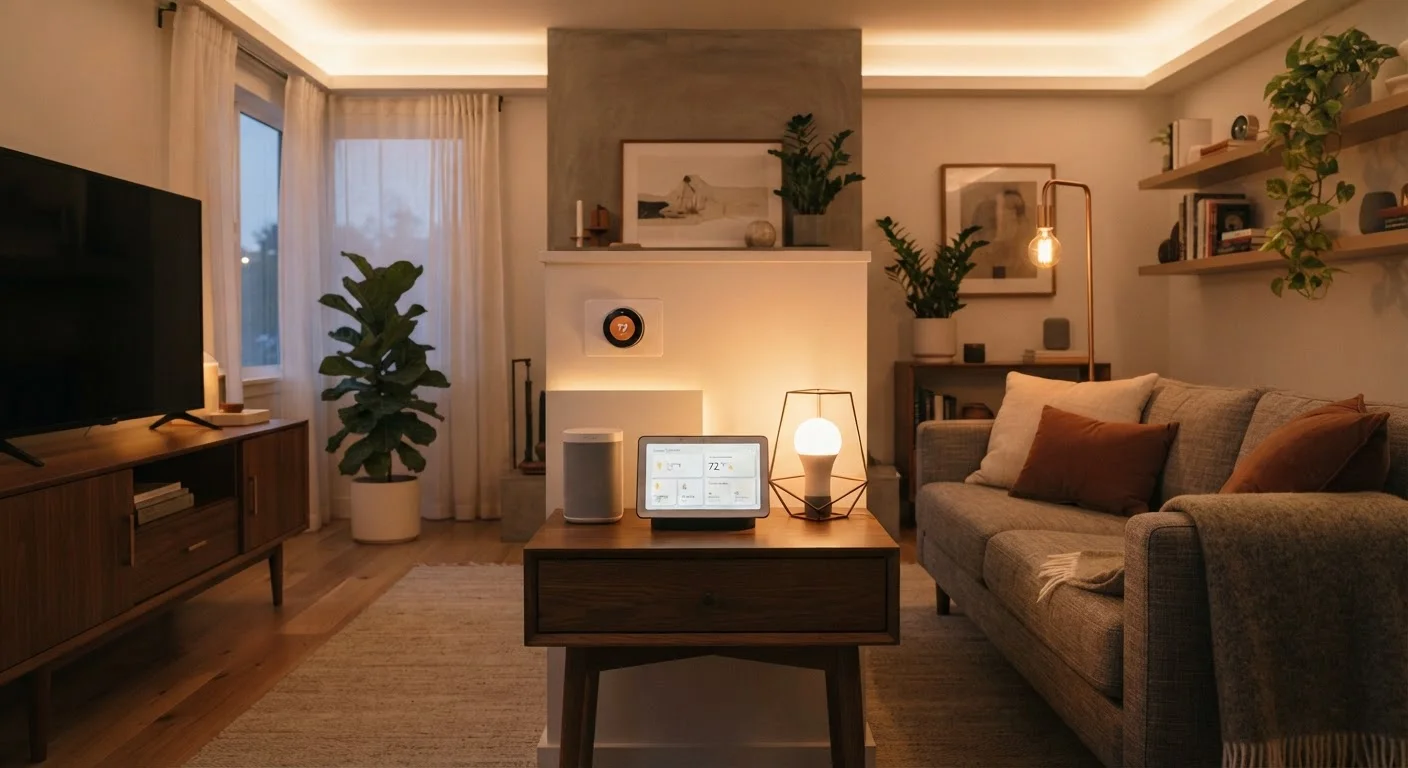
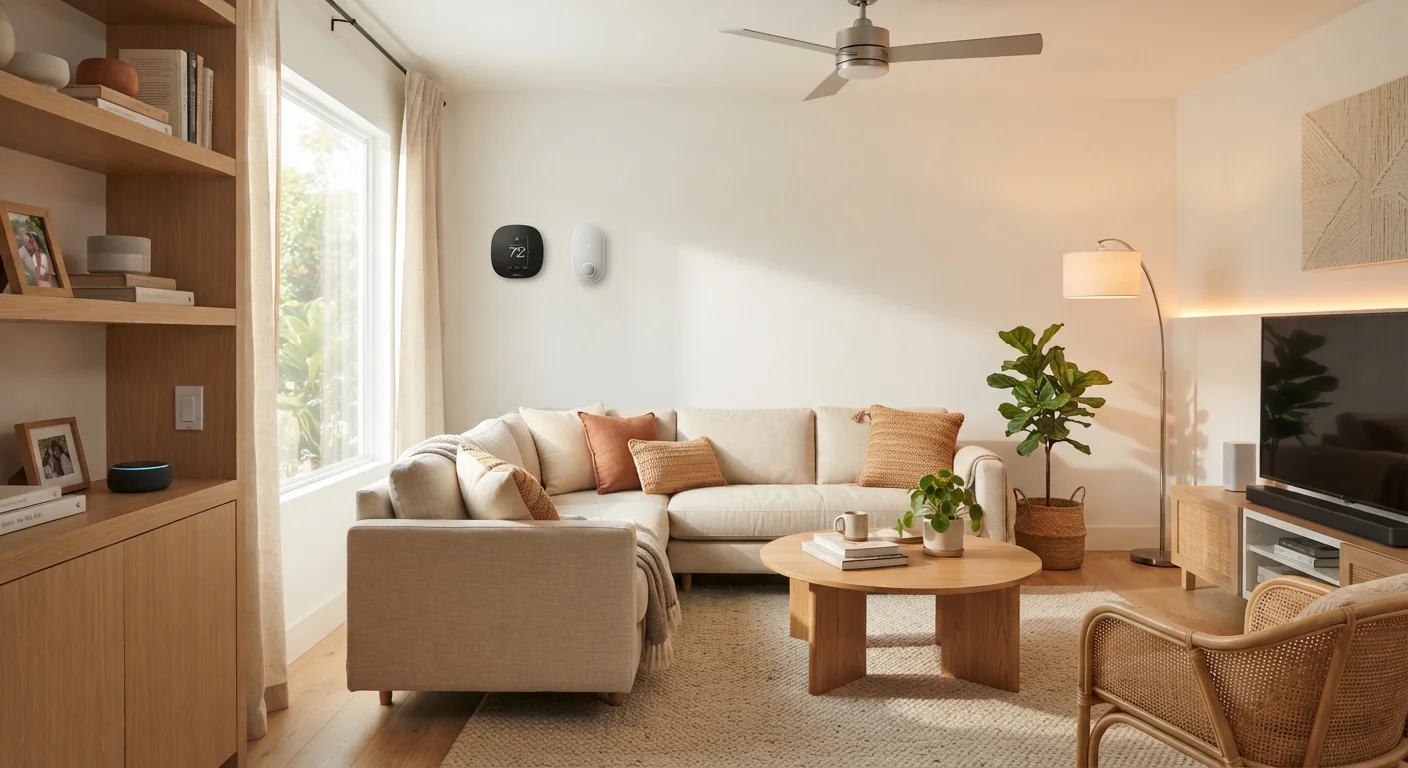
A smart home is simply a home where devices connect to the internet - and often to each other - so you can monitor, control, or automate them remotely. That's it. There's no minimum number of devices required, no mandatory subscription, and no technical expertise assumed.
A single smart light bulb you control from your phone makes your home technically "smart." The concept scales from one device to dozens, and you set the pace entirely. If you want a fuller picture of how these systems work under the hood, our plain-language smart home explainer covers the fundamentals without the buzzwords.
Ecosystem
A family of devices and apps built by one company (or around one platform) that are designed to work together. Staying within one ecosystem simplifies setup and reduces compatibility problems.
Automation routine
A pre-set instruction that tells your devices to do something automatically - for example, turning off all lights at a specific time each night - without you needing to tap anything.
Voice assistant
A software-based assistant (accessed through a smart speaker or phone) that lets you control compatible smart devices using spoken commands.
Smart plug
An adapter that plugs into a standard wall outlet and gives you remote on/off control over whatever is plugged into it, via an app or voice command.
Hub
A central device that connects and coordinates smart home products from different brands or using different wireless protocols, allowing them to work together.
Protocol
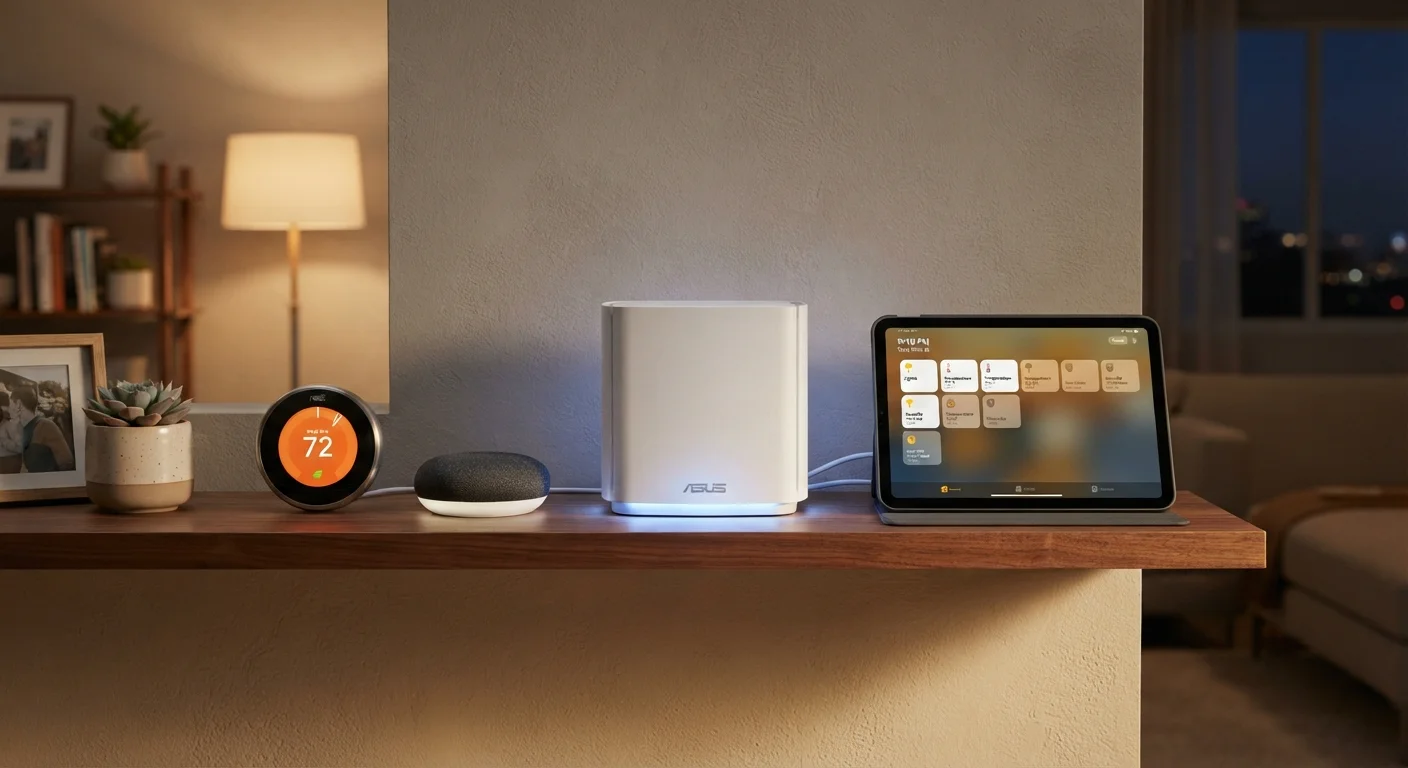
The wireless communication standard a device uses to talk to other devices or your router - common examples include Wi-Fi, Zigbee, Z-Wave, and the newer Matter standard.
The Three Things Every Smart Home Needs
Before buying a single device, confirm you have these three prerequisites in place:
- Reliable Wi-Fi coverage - Most consumer smart devices connect over Wi-Fi. Dead zones in your home mean unreliable devices. If your router is aging or your signal drops in certain rooms, that's worth addressing first. Our article on setting up a smart home network walks through this step in detail.
- A compatible smartphone - Nearly every smart device is configured and controlled through a manufacturer app. iOS and Android are both well-supported, but always verify compatibility before purchasing.
- A chosen ecosystem or platform - The major voice and app platforms (such as those offered by large consumer tech companies) act as a common language across devices. Picking one to anchor your setup prevents the fragmentation that trips up many beginners.
Start With One Ecosystem
When buying your first smart devices, pick a single platform - whichever pairs with the voice assistant you're already comfortable with - and stick to it for your first three to five devices. This dramatically reduces setup friction and makes troubleshooting much simpler. You can always expand to other platforms later once you have a feel for how everything connects.
Where to Start: The Smartest First Devices
The goal of your first device isn't to impress anyone - it's to build familiarity and confidence. These categories offer the gentlest learning curve:
- Smart bulbs - Screw into standard sockets, require no wiring, and are reversible. Dimming, color temperature, and schedules are easy wins that immediately make the technology feel useful.
- Smart plugs - Turn any ordinary lamp or appliance into a connected device. Perfect for testing automation concepts without committing to purpose-built smart hardware.
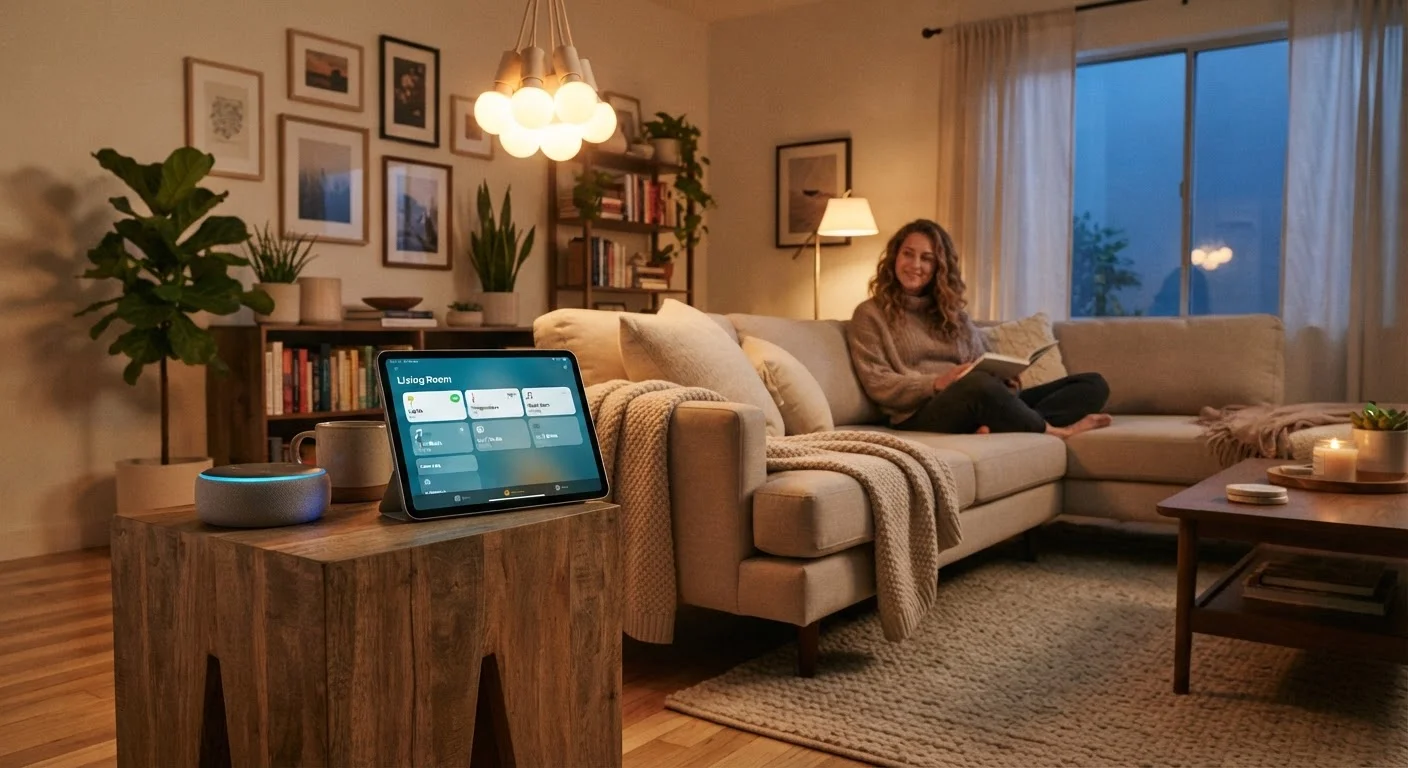
- Smart speakers or displays - These double as voice-control hubs for other devices and introduce you to routine-based automation in a low-stakes way.
Once you're comfortable with manual control - turning lights on and off remotely, for instance - you can explore automation routines. Our complete guide to home automation is a natural next step when you're ready. For room-by-room prioritization, see which rooms to automate first.
Realistic Costs and What to Expect
Smart home technology spans a wide price range, but a genuinely useful starter setup is achievable for most households without a large outlay. As a general guide:
| Device Type | Typical Starting Cost | Ongoing Fees? |
|---|---|---|
| Smart bulb (single) | $10-$20 | Usually none |
| Smart plug | $10-$20 | Usually none |
| Smart speaker | $25-$50 | Usually none |
| Smart thermostat | $80-$150 | Usually none |
| Smart lock | $100-$200 | Sometimes optional |
A two-bulb, one-plug, and one-speaker setup - a solid beginner foothold - can fall in the $50-$100 range. Being intentional about spending is always worthwhile; for broader guidance on value-driven purchasing, the Smarter Spending hub is a useful reference.
Prices Vary - Always Check Before Buying
The cost ranges listed above are general estimates based on widely available consumer device categories. Actual prices vary by retailer, feature set, and product generation. Checking multiple sources before purchasing is always a sound practice. This article does not endorse or recommend specific products or retailers.
Avoiding the Most Common Beginner Mistakes
Most smart home frustration is avoidable. The pitfalls below trip up a disproportionate number of first-time buyers:
- Buying across too many ecosystems at once. Devices that don't communicate with each other create management headaches. Start within one platform, then expand deliberately.
- Skipping the app setup step. Devices that appear to work out of the box sometimes have limited functionality until fully configured through their app. Take the 10 minutes - it matters.
- Overbuilding too fast. Automating every room before you understand your own habits leads to routines you'll disable within a week. Let real patterns guide what you automate.
- Ignoring privacy settings. Smart devices - especially cameras and microphones - have privacy settings worth reviewing. Know what data is stored and where before installation.
Many people hold back from starting altogether due to misconceptions about cost or complexity. Our article on common smart home myths addresses those directly. And if terminology is the barrier, the smart home glossary defines 40 key terms in plain language.
Beware of Ecosystem Lock-In
Investing heavily in one platform means that if that platform changes its pricing, discontinues features, or shuts down entirely, your devices may be affected. No major platform is immune to this. Diversifying gradually - and reading device documentation for offline functionality - helps reduce your exposure over time.