What Home Automation Actually Means
Home automation refers to connecting household devices - lights, locks, thermostats, appliances - to a network so they can be monitored, controlled, or triggered automatically. The core idea isn't novelty; it's convenience, efficiency, and sometimes safety.
At its simplest, automation means a porch light turns on at sunset without you thinking about it. At its most sophisticated, it means your home adjusts temperature, locks doors, and dims lights based on your daily patterns - all coordinated without manual input.
If you're new to the terminology, our Smart Home Glossary breaks down 40 essential terms in plain language before you dive into hardware decisions.
69%
U.S. households with at least one smart device
According to Statista research, a large majority of American homes include at least one internet-connected smart home device as of recent reporting periods.
3-5 years
Typical smart home device lifespan before software support ends
Consumer reports and technology analysts generally estimate that smart home hardware receives active software updates for roughly three to five years, after which security patches may stop.
The Foundation: Hubs, Protocols, and Ecosystems
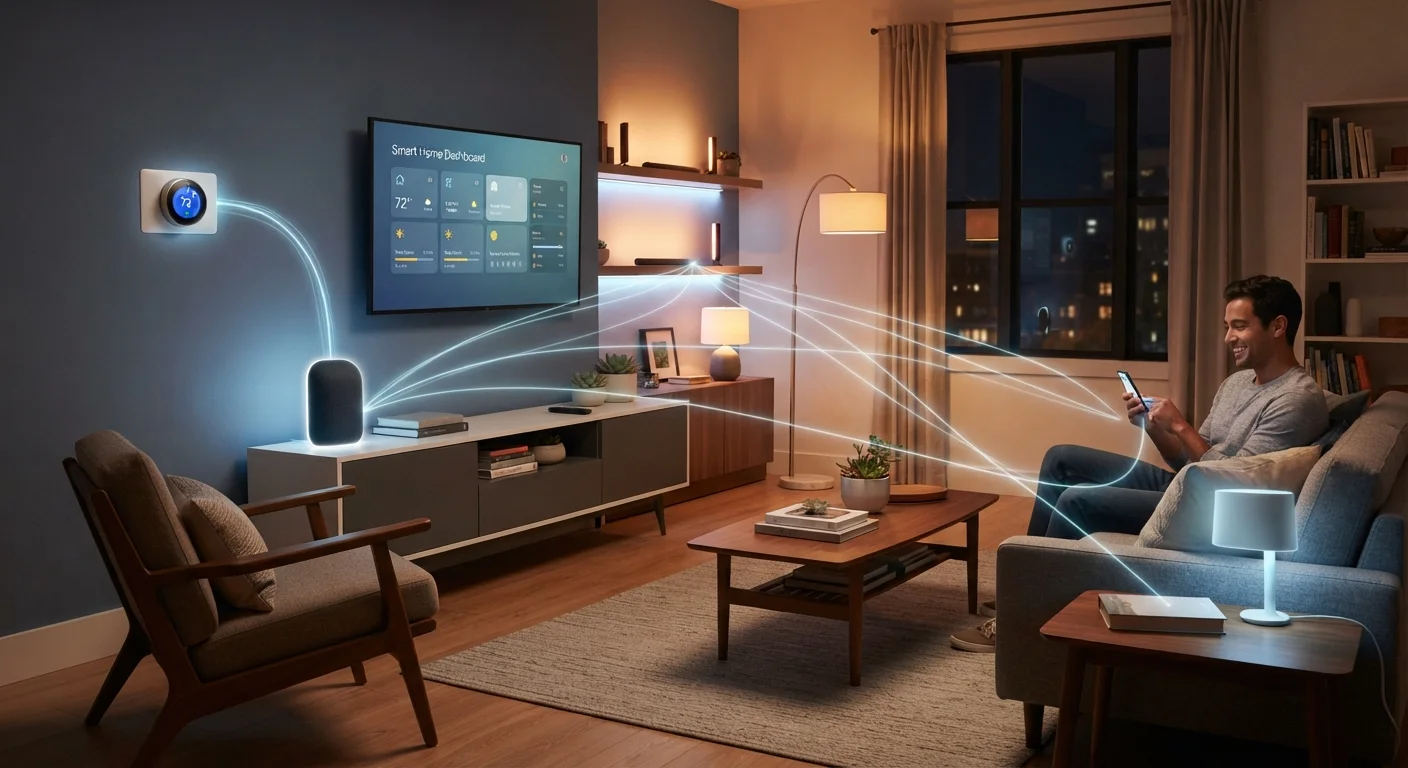
Every smart home is built on an underlying communication structure. Devices don't talk directly to each other - they use wireless protocols like Zigbee, Z-Wave, Wi-Fi, or Bluetooth to send and receive signals. A hub (sometimes called a smart home controller) often sits in the middle, coordinating those signals.
Most consumers start within a single ecosystem - a platform from a major tech provider that ties compatible devices together through one app and one voice assistant. The tradeoff: devices from that ecosystem tend to work seamlessly together, but mixing brands historically caused friction.
That friction is easing. The Matter standard - a cross-brand connectivity protocol - is designed so that a device certified for Matter can work across multiple ecosystems. See our deeper explanation of how Matter changes things for consumers before committing to a specific platform.
Choose your primary ecosystem before buying your first device - switching platforms later often means replacing hardware, not just reinstalling apps.
Ecosystem lock-in is one of the most expensive mistakes in smart home setup; a clear upfront choice avoids costly do-overs.
When evaluating a hub or controller, check whether it supports local processing - routines that run locally still work during internet outages, while cloud-only setups go dark.
Local processing is a practical resilience factor that's easy to overlook when devices are marketed primarily on app features.
Building Your First Routines
A routine is an automated sequence: when X happens, do Y. The most reliable first routines are time-based - lights on at 7 a.m., thermostat drops at 10 p.m. They're predictable, easy to test, and immediately useful.
Once those feel stable, layer in trigger-based routines: lights turn on when a door sensor detects arrival, or the coffee maker starts when the morning alarm is dismissed. Keep early routines to two or three steps. Complex chains - five or more actions - are harder to troubleshoot when something misbehaves.
Not every room benefits equally from automation. Our article on which rooms to automate first explains why starting with the right spaces saves time and money.
Start Simple, Then Layer
Resist the urge to automate everything at once. Run one or two routines for a full week before adding more. This makes it much easier to identify which automation is misbehaving when something goes wrong - and something will, at some point.
Expanding Without Creating a Tech Headache
The most common mistake when expanding a smart home is buying devices impulsively without checking ecosystem compatibility. Before adding anything new, confirm it speaks the same protocol as your existing setup - or is Matter-certified.
A stable network is equally important. Smart devices are only as reliable as the Wi-Fi or mesh network they run on. Devices at the edges of your home - garage, backyard, basement - often drop connections first. Our guide to setting up a smart home network walks through practical steps for stable performance across your whole home.
Budget discipline matters too. Smart home setups can expand quickly, and not every upgrade delivers proportional value. See our Smarter Spending hub for frameworks that help you weigh convenience against cost before purchasing.
Compatibility Comes First
Adding a device that uses a different protocol than your hub or ecosystem can leave it stranded - controllable only through its own separate app, with no integration into your routines. Always verify protocol compatibility or Matter certification before purchasing any new smart home device.
Advanced Automation: Conditions, Triggers, and Logic
Once basic routines are reliable, you can introduce conditional logic - automation that only fires when multiple conditions are true. For example: turn on the fan only if it's after 8 p.m. and the indoor temperature is above 74°F. This avoids false triggers and makes automation feel genuinely intelligent rather than mechanical.
Most mature platforms support condition stacking natively. Some users go further with dedicated automation software that sits above their ecosystem, offering more granular control over timing windows, presence detection, and device states. These tools have a steeper learning curve but enable automation that responds to real-life context rather than fixed schedules.
“The goal of home automation should be to reduce cognitive load - not to add a new category of things to manage. If you're spending more time maintaining your smart home than it saves you, the setup has become the problem.”
— Stacey Higginbotham, Technology journalist and smart home industry analyst
Advanced routines should still follow the same principle as basic ones: test each trigger independently before combining them. A routine that fires unexpectedly at 2 a.m. is worse than no routine at all.
Security and Privacy Considerations
Every connected device is a potential entry point to your home network. Security isn't a one-time configuration - it's an ongoing practice. That means keeping device firmware updated, using strong unique passwords, and isolating smart home devices on a separate network segment when possible.
Privacy deserves equal attention. Many smart home devices collect usage data; understanding what your devices send back to manufacturers - and what opt-outs are available - is reasonable due diligence before installation.
Our article on ongoing smart home security habits details the specific practices that help keep your setup better protected over time.
Data Collection Varies Widely by Device
Some smart home devices store usage data only locally; others send it to cloud servers continuously. Review the privacy policy for any device before installation. Many platforms allow data collection preferences to be adjusted in account settings, though some features may be reduced as a result.
Smart home technology intersects with several other consumer areas - from home electronics to energy costs. The Consumer Electronics hub offers additional context on the broader device landscape as you continue building your setup.