Why This Choice Is Harder Than It Used to Be
A few years ago, the line between tablets and laptops was obvious: tablets were for reading and watching, laptops were for working. That line has blurred considerably. Tablets now support physical keyboards, stylus input, and productivity apps that rival desktop-class software. Meanwhile, thin-and-light laptops have become genuinely portable without sacrificing real computing power.
The result is that millions of consumers find themselves genuinely unsure which form factor makes sense for their household. The honest answer isn't found in a spec sheet - it's found in an honest look at how you actually use a screen day to day. Before settling on anything, it's worth running through a structured evaluation. Our smart device checklist covers the compatibility and usage questions worth asking about any connected device.
Where Tablets Genuinely Excel
Tablets have clear, meaningful advantages in specific use contexts - and overselling them outside those contexts is where most buyer regret originates.
- Portability and weight: Most tablets weigh under a pound and a half, making them far easier to hold one-handed for extended reading or video watching than even the slimmest laptop.
- Touch-first interfaces: Apps designed specifically for touch - digital art tools, annotation software, interactive learning platforms - work better on a tablet than on a laptop with a touchscreen bolted on.
- Battery endurance: Tablets consistently outperform laptops in battery life during passive tasks like streaming, reading, or browsing, often by several hours.
- Instant-on usability: Picking up a tablet and beginning a task in under two seconds is genuinely different from opening a laptop and waiting for it to resume.
These advantages are most valuable for students, caregivers keeping an eye on schedules or entertainment, and anyone whose computing is primarily consumptive rather than creative.
Try Before You Commit to Accessories
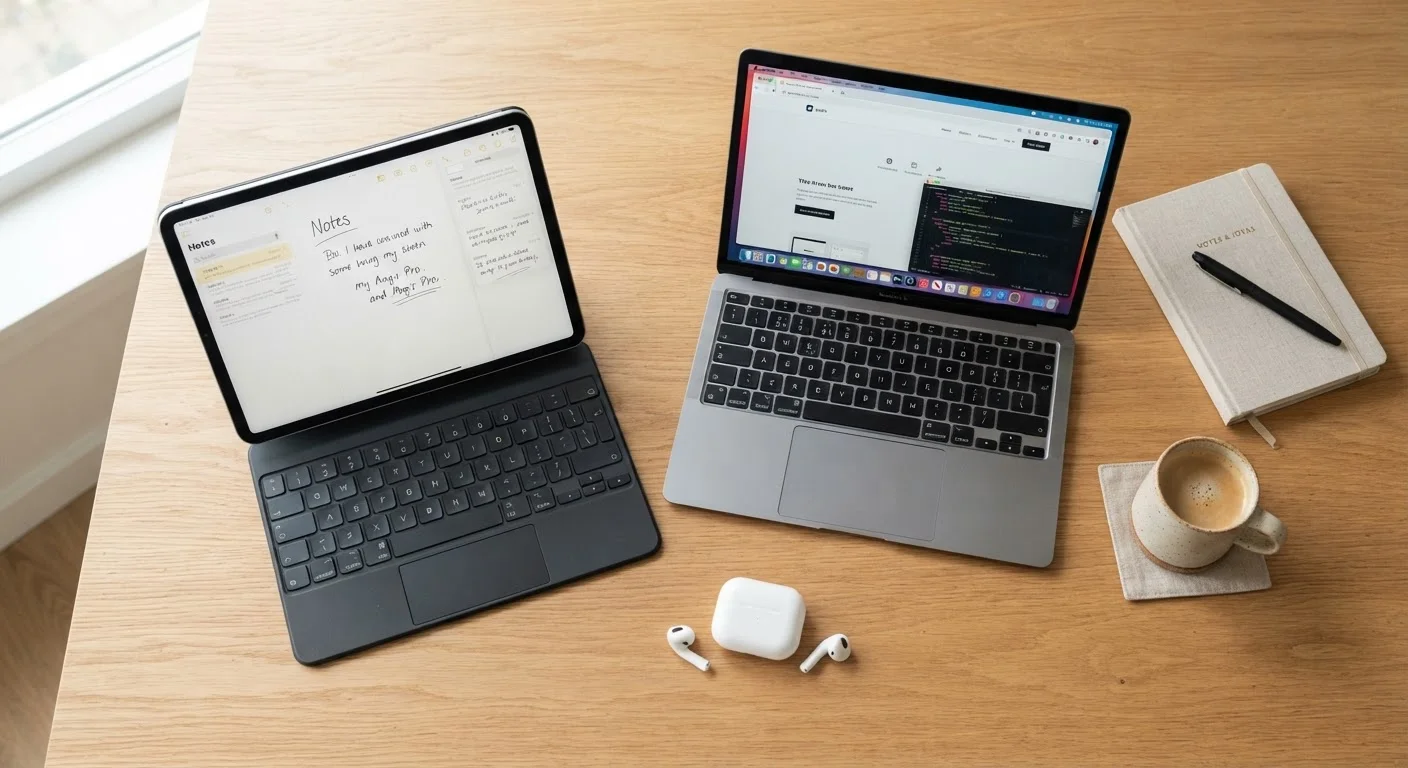
If you're considering a tablet plus keyboard case as a laptop replacement, test that combination for your actual workload before investing in the accessory. Many users find the setup works well for light tasks but becomes frustrating during longer writing sessions. Retailer return windows can give you enough time to stress-test the pairing in realistic conditions.
Where Laptops Still Have the Edge
Despite real improvements in tablet software, laptops retain meaningful advantages for a specific class of tasks that many working adults perform every day.
| Criterion | Tablet | Laptop | |
|---|---|---|---|
| Portability | Tablet | Excellent - lightweight, compact | Good - slim models available |
| Typing comfort | Tablet | Limited without accessory | Strong - full keyboard built in |
| Battery life | Tablet | Typically longer for passive use | Shorter under sustained load |
| Full software compatibility | Tablet | App-dependent, gaps exist | Broad compatibility |
| Multi-window workflows | Tablet | Improving, still limited | Well-supported by OS |
| Touch and stylus input | Tablet | Native and fluid | Available but secondary |
| Typical ownership cost (software) | Tablet | Often subscription-heavy | More one-time purchase options |
Sustained typing: Physical keyboards built into laptops are engineered for hours of comfortable use. Tablet keyboard accessories vary widely in quality and almost always involve trade-offs in key travel or stability.
Multi-window workflows: Switching between a spreadsheet, a browser with multiple tabs, and a communications app simultaneously is still more fluid on a laptop operating system than on tablet software, even with split-screen features.
Full software compatibility: Certain professional applications - advanced video editing suites, engineering software, legacy business tools - either don't exist on tablet platforms or offer significantly reduced functionality. If your work depends on specific software, verify tablet compatibility before assuming it exists.
For anyone managing finances across multiple accounts or tracking budgets in detail, laptop-based spreadsheet workflows tend to be more practical. Our article on tracking spending methods explores how tool choice shapes the habit itself.
The Ownership Model Matters Too
Beyond the hardware itself, tablets and laptops tend to draw you into different ecosystems of apps, subscriptions, and accessories. Tablet platforms often lean heavily on app-based subscriptions for software that might have a one-time purchase equivalent on a laptop. Over a two-to-three year ownership window, those recurring costs can change the total value picture significantly.
If you're weighing whether ongoing software subscriptions fit your budget and usage habits, our comparison of one-time purchases versus subscriptions lays out the tradeoffs clearly.
The practical advice here: before deciding on a form factor, list the specific apps or software you need and verify both their availability and their pricing model on each platform. A tablet that requires three additional monthly subscriptions to match a laptop's built-in capabilities may not represent the savings it first appears to offer.
~60%
Adults who own both a smartphone and tablet
Pew Research Center surveys consistently show significant device overlap in American households, raising the question of whether a tablet adds meaningful new capability.
2-4 hrs
Typical daily screen time on non-phone devices
Consumer research generally finds most adults spend only a few hours daily on secondary screens, meaning extreme performance specs rarely justify their cost for average users.
Making the Call: A Practical Framework
Rather than choosing based on what's technically impressive, map your decision to your actual daily behavior. Consider these honest questions:
- Where do you use a device most? Couch, bed, or commute favors a tablet. A dedicated desk or home office leans toward a laptop.
- What's your heaviest task? If it's email and social media, a tablet handles it well. If it's editing documents for hours or running specific software, a laptop is safer.
- Do you already own one of these? If you have a capable smartphone, a tablet may duplicate more functionality than it adds. Similarly, if you own a desktop, a tablet might complement it better than a second laptop would.
- How often do you type extended content? Anyone writing regularly - reports, lengthy emails, academic work - will feel the ergonomic difference of a proper laptop keyboard within a week.
The goal isn't to find the most capable device - it's to find the one that removes friction from the tasks you actually do. That's a more useful frame than any spec comparison. For a broader checklist framework applied to phone decisions (with principles that translate to tablets and laptops alike), see our guide on evaluating what you actually need before buying.