
Why Disconnections Are So Common in Smart Homes
Smart home devices rely on a surprisingly delicate chain of dependencies: a stable Wi-Fi signal, a responsive hub or app, correct account permissions, and up-to-date firmware - all working simultaneously. When any link breaks, your device goes offline. For a plain-language look at how these connections actually work, see Smart Home Technology, Explained Without the Jargon.
The good news is that most dropouts share a handful of root causes, and fixing them is well within reach for a typical homeowner. The key is diagnosing systematically rather than guessing.
Placing the router too far from smart devices, or in a closed cabinet.
Why it happens: Routers are often tucked away for aesthetic reasons, without considering that walls, appliances, and distance all degrade wireless signal strength.
Connecting all smart devices to the 5 GHz band instead of 2.4 GHz.
Why it happens: Many people assume the faster 5 GHz band is always better. However, 5 GHz has shorter range and struggles to penetrate walls, making it unreliable for devices spread across a home.
Skipping firmware and app updates for smart devices.
Why it happens: Updates feel optional, and the process can seem inconvenient. But outdated firmware often contains bugs that cause instability, and manufacturers regularly patch connectivity issues in updates.
Overcrowding a single Wi-Fi network with too many devices.
Why it happens: Each device connected to a router competes for bandwidth and airtime. Homes with 20 or more connected devices on a single network can experience significant congestion, even with a fast internet plan.
Ignoring interference from neighboring networks and household appliances.
Why it happens: Microwaves, baby monitors, cordless phones, and neighboring Wi-Fi networks can all broadcast on the same frequency channels, causing interference that looks like random disconnections.
Not restarting devices and the router after connectivity changes.
Why it happens: Routers and smart devices cache network information. When your IP address changes, a network name is updated, or a password is reset, devices may hold on to outdated data and fail to reconnect cleanly.
Building a Network That Keeps Devices Connected
Once you've corrected the common mistakes above, a few structural improvements can make a lasting difference.
2.4 GHz
Preferred band for most smart home devices
The 2.4 GHz band offers roughly twice the range of 5 GHz through solid walls, making it more reliable for devices distributed across a home.
20+
Devices on average in connected U.S. homes
Industry research indicates that many American households now have 20 or more connected devices, placing significant demand on home routers not designed for that load.
A dedicated network segment for smart devices - many modern routers let you create a separate SSID (network name) just for IoT gadgets - reduces congestion and makes troubleshooting simpler. Devices that only need basic connectivity can stay on 2.4 GHz, which offers better range through walls, while laptops and phones use the faster 5 GHz band.
If dead zones persist after repositioning your router, a Wi-Fi extender or mesh network node can fill the gap - but placement matters. Put extenders halfway between your router and the problem device, not right next to the device itself. For a deeper look at how to configure your network for reliability, Setting Up a Smart Home Network That Won't Let You Down walks through the key steps.
Don't Overlook Your Router's Age
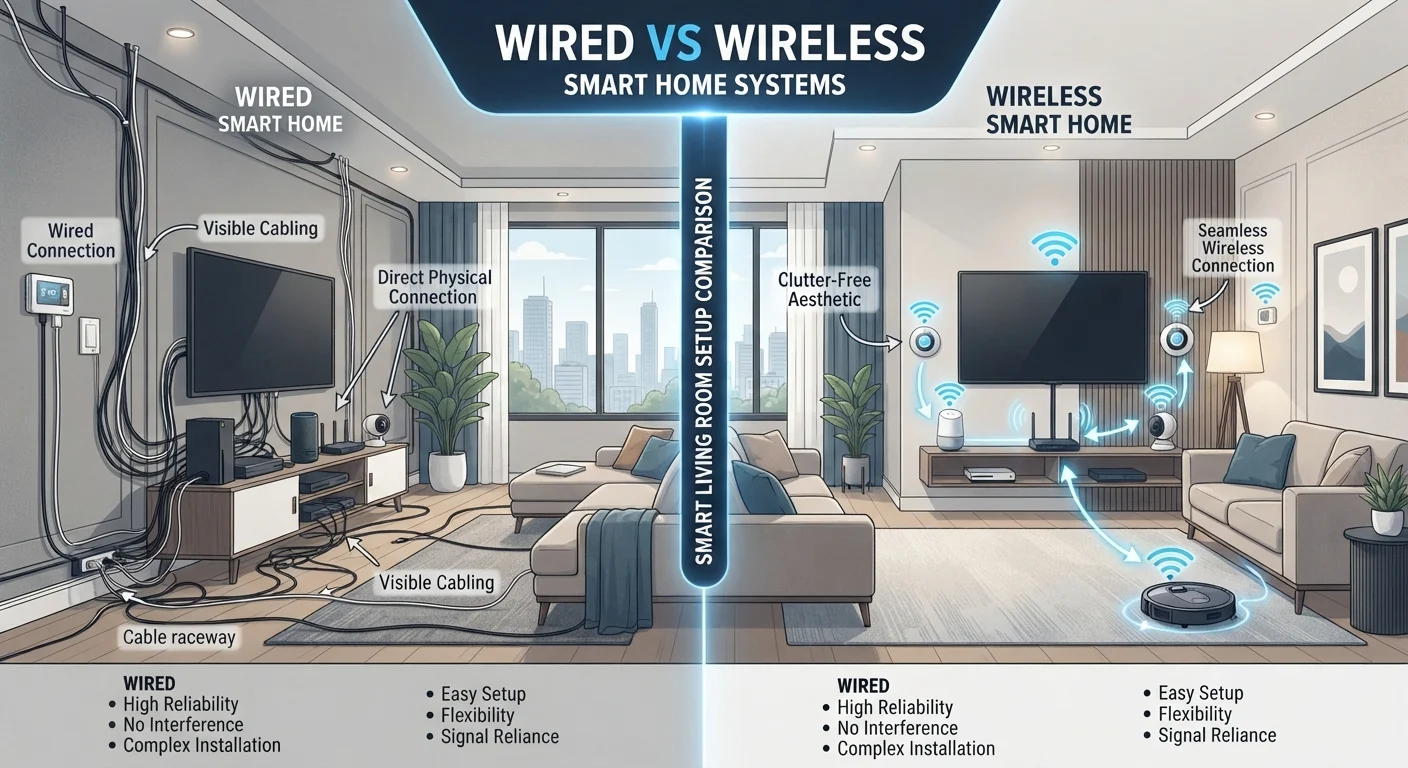
Routers manufactured before the Wi-Fi 5 (802.11ac) standard became common may struggle to handle modern smart home device counts, regardless of your internet speed. If your router is more than five to six years old and disconnections persist after other fixes, the hardware itself may be the limiting factor. Consult your internet service provider or a networking professional before investing in additional devices. Also consider the trade-offs between wired and wireless setups - Wired vs. Wireless Smart Home Devices covers the key differences.
Finally, keep a simple log of which devices drop off and when. Patterns - a specific device, a time of day, a weather event - often point directly to the cause, saving you hours of guesswork.