What Actually Separates Wired from Wireless
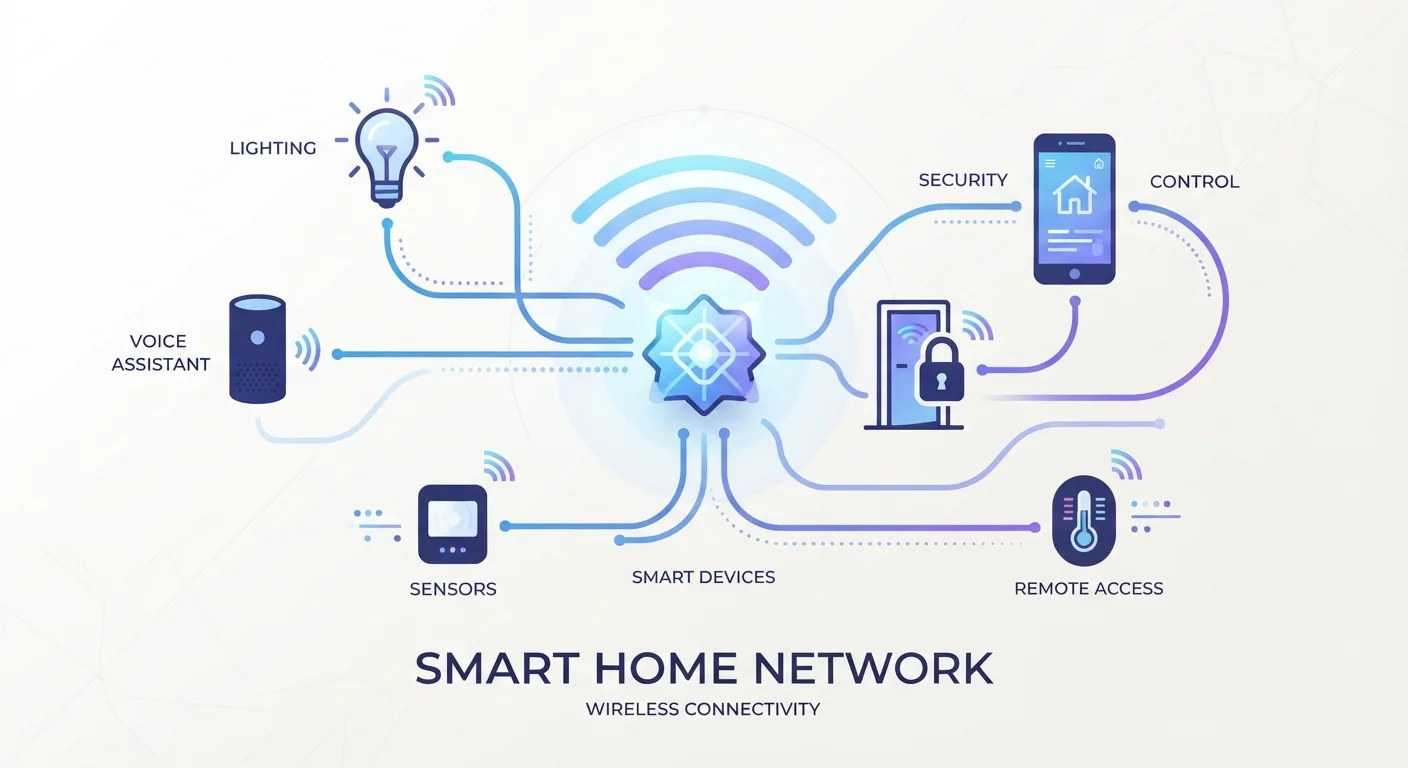
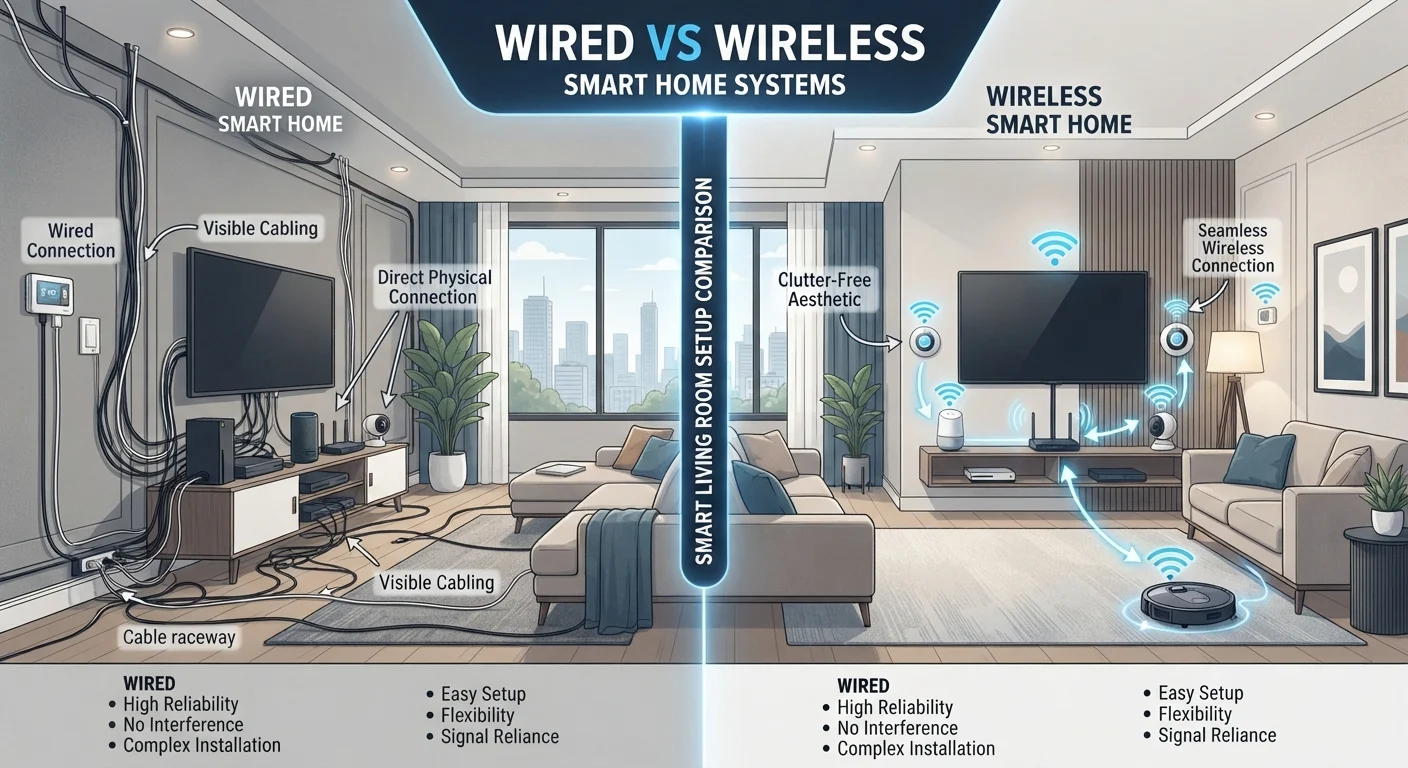
At its core, the distinction is straightforward: wired smart devices transmit power and data through physical cables routed through walls or conduits, while wireless devices communicate over radio signals - typically Wi-Fi, Zigbee, Z-Wave, or Thread. If those protocol names are unfamiliar, our guide to smart home wireless protocols explains what each one actually does.
The physical connection in a wired system is also its biggest advantage: the signal path is fixed, interference-free, and doesn't rely on a router or hub staying online. A wired light switch works even when your internet goes down. A wireless one might not, depending on how your system is configured.
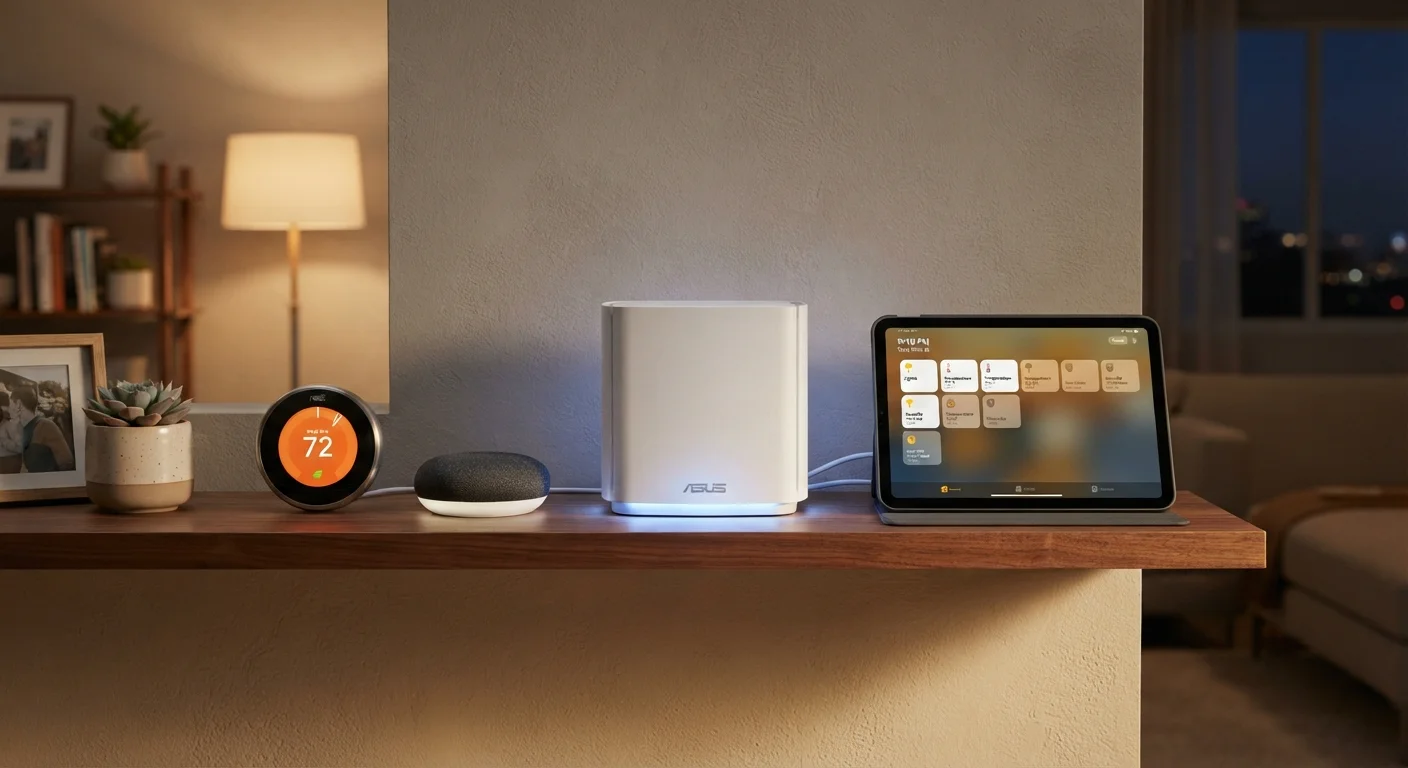
Wireless devices offload that physical infrastructure to the airwaves. That makes them dramatically easier to install - often a matter of plugging in or screwing in - but it also means their performance depends on factors outside the device itself: signal strength, network congestion, and router placement all play a role. For a broader introduction to how these systems work together, see our plain-language smart home explainer.
Installation, Cost, and Flexibility
Installing wired smart home devices - particularly lighting controls, in-wall sensors, or hardwired security cameras - almost always requires opening walls and running new cable. In existing homes, that typically means hiring an electrician, which adds meaningful labor cost on top of the hardware. In a new build or gut renovation, however, the incremental cost of running structured wiring is much lower, making wired infrastructure the practical choice when walls are already open.
Wireless devices flip this equation. A smart plug, a motion sensor, or a battery-powered doorbell can be set up in minutes without tools or permits. This accessibility is a genuine advantage - especially for renters who can't make permanent changes, or for anyone who wants to experiment before committing. The trade-off is ongoing: batteries need replacing, firmware needs updating, and adding many devices to a congested Wi-Fi network can degrade performance for everything on it.
| Wired Devices | Wireless Devices | |
|---|---|---|
| Installation complexity | High - typically requires an electrician | Low - DIY-friendly in most cases |
| Upfront cost | Higher, including labor | Lower entry point |
| Reliability | Excellent - not network-dependent | Variable - depends on signal and router |
| Flexibility to relocate | Very limited once installed | Easy to move or remove |
| Suitable for renters | Rarely - requires wall access | Yes - no permanent changes needed |
| Long-term maintenance | Minimal once installed | Ongoing (batteries, firmware, network) |
| Best scenario | New builds or major renovations | Existing homes, flexible setups |
Cost trajectories also differ. Wired systems carry higher upfront investment but tend to be stable over time - you're not continually buying replacement batteries or additional hubs. Wireless setups have a lower entry point, but costs can accumulate as you add devices and discover the need for a dedicated hub or a mesh network upgrade to keep everything running reliably. For practical advice on building a network that supports a growing device count, see how to set up a smart home network.
Reliability and Long-Term Performance
Reliability is where wired systems have their clearest edge. A camera or doorbell hardwired to your home's electrical system won't drop offline because a neighbor's router is broadcasting on the same channel. Wired locks and alarm sensors maintain their connection regardless of how many other devices are competing for bandwidth. For security-critical applications - entry points, smoke detectors, video surveillance - this consistency has real practical value.
Wireless reliability has improved substantially as newer protocols like Thread and Matter have matured, but it remains contingent on network health. If your router is underpowered or positioned poorly, devices at the edges of your home will struggle. Interference from neighboring networks, microwaves, and other radio-emitting appliances can cause intermittent dropouts. If you've already experienced these frustrations, the guide to diagnosing smart device disconnections walks through systematic fixes.
Plan Wired Runs Before Walls Close
If you're renovating even a single room, it's worth consulting an electrician about running conduit or low-voltage wiring while the walls are open - even if you don't install devices immediately. The cost of adding infrastructure during construction is a fraction of what it takes to retrofit later. Think ahead to where cameras, speakers, or in-wall controls might go, and you'll thank yourself later.
One often-overlooked factor is longevity. Wired infrastructure installed today will still be functional in 20 years regardless of what happens to any particular manufacturer's app or cloud service. Wireless devices are more exposed to the risk of software discontinuation - if a company stops supporting a product's firmware or shuts down its cloud backend, functionality can be lost entirely.
Making the Right Choice for Your Home
The most useful framing isn't "wired vs. wireless" as competing philosophies - it's matching each device type to what that device actually needs to do. Security cameras protecting entry points, hardwired smoke and CO detectors, and whole-home lighting controls are strong candidates for wired installation where feasible. Smart plugs, portable speakers, robotic vacuums, and temperature sensors are naturally wireless and gain little from a physical connection.
A hybrid approach - wired for the systems where reliability is non-negotiable, wireless for everything else - is how many well-designed smart homes are actually built. This also hedges against the risk of backing too heavily into any single ecosystem. If you're weighing how to spend your smart home budget, the general principles at Smarter Spending can help you prioritize without overcommitting.
Finally, consider your timeline. If you're planning a renovation in the next few years, it may be worth delaying wired infrastructure decisions until walls are open. If you're in a stable home you own and want a system that will last, the upfront investment in wired components for key devices is often worthwhile. Neither path is wrong - the right one depends on your home, your plans, and what you're willing to manage over time.
This article provides general educational information about smart home technology and is not professional electrical or installation advice. Consult a licensed electrician before undertaking any in-wall wiring projects.