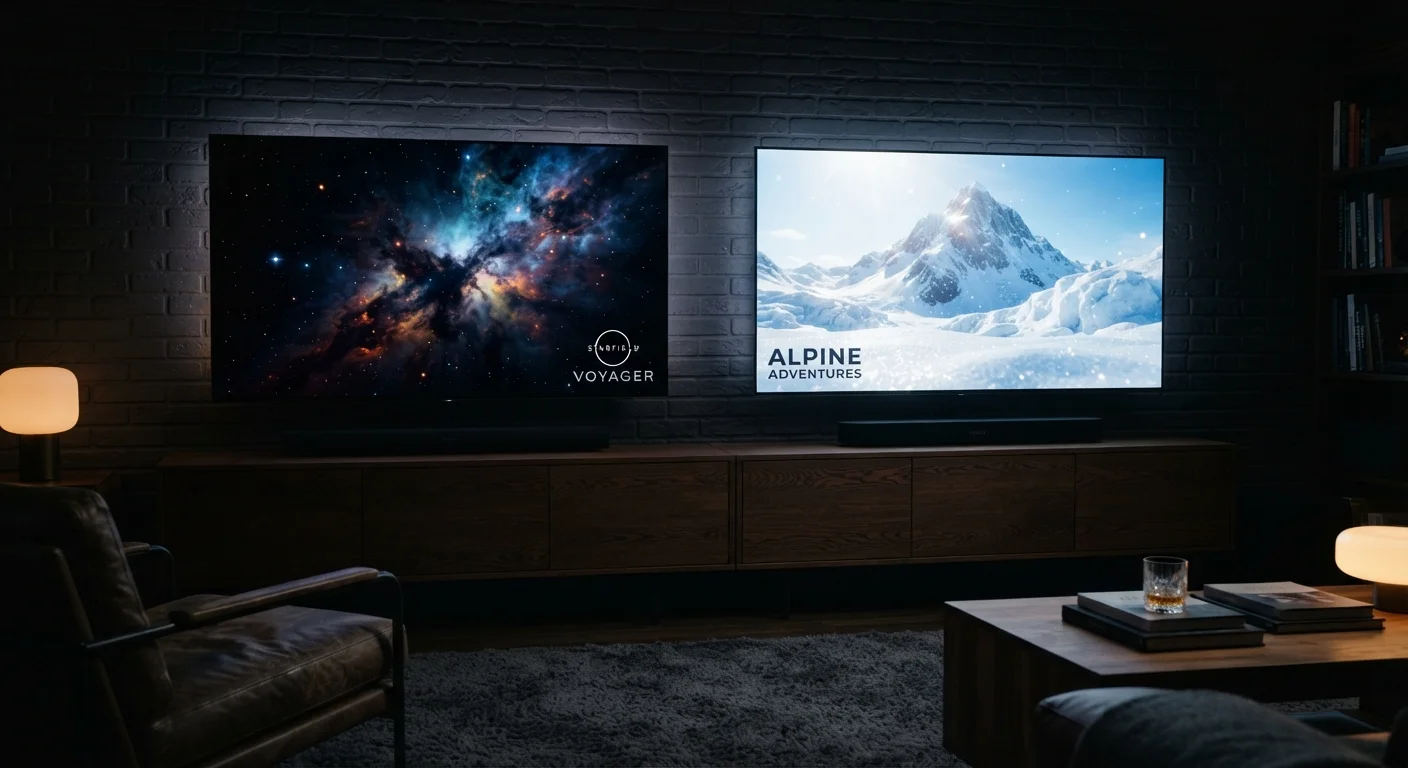

What Resolution Actually Means
When a TV is labeled 4K, the number refers to pixel count - specifically, roughly 4,000 pixels across the screen horizontally. The full grid is 3,840 × 2,160 pixels, totaling about 8.3 million individual dots of light. Compare that to 1080p Full HD, which packs in around 2 million pixels, and you can see why 4K has become the dominant standard: it carries four times as much visual information.
But raw pixel count only tells part of the story. Whether you can actually see that extra detail depends heavily on two things: how big your screen is and how far away you're sitting. On a 40-inch TV watched from 10 feet away, your eyes cannot resolve the difference between 1080p and 4K - the pixels are simply too small to distinguish at that distance. On a 65-inch screen from the same distance, the sharpness difference becomes visible and meaningful.
For a deeper look at how other specs interact with resolution, see our plain-English electronics glossary.
4×
More pixels in 4K vs. 1080p Full HD
A 4K (3840×2160) panel contains approximately 8.3 million pixels, compared to roughly 2.1 million in a 1080p panel.
~15-25 Mbps
Recommended speed for 4K streaming
Major streaming platforms publish bandwidth guidelines suggesting at least 15-25 Mbps of sustained download speed for stable 4K playback.
16×
More pixels in 8K vs. 1080p
An 8K panel (7680×4320) contains roughly 33 million pixels - sixteen times the count of Full HD and four times that of 4K.
HDR: The Spec That Often Matters More
High Dynamic Range - HDR - is arguably the picture-quality upgrade most people notice first, yet it appears on spec sheets with far less fanfare than resolution numbers. HDR expands two things simultaneously: the range of brightness a TV can produce (from very dark blacks to very bright highlights) and the gamut of colors it can display.
In practice, this means an HDR scene showing a sunset can render the sun as genuinely blinding-bright while keeping shadow detail visible in the foreground. Without HDR, a TV compresses that range, and the image looks comparatively flat. This is why a well-implemented HDR image on a 4K screen often looks more lifelike than a non-HDR 4K image - contrast and color depth create the perception of realism more powerfully than sheer pixel count.
HDR comes in several competing formats - HDR10, Dolby Vision, and HLG are the most common. The differences between them relate to how color and brightness data are encoded and whether the TV can adjust those values dynamically per scene. What matters practically is that the TV and the content both support a compatible format; otherwise HDR has no effect.
Check HDR Compatibility End to End
HDR only works when your TV, your HDMI cable, and your source device all support the same HDR format. An older HDMI cable (pre-2.0) can block HDR signals even if the TV and streaming device are compatible. If HDR doesn't appear to activate, the cable is a common first thing to check.
8K: The Spec Ahead of Its Content
8K resolution - 7,680 × 4,320 pixels, or four times the pixel count of 4K - is technically impressive. It is also, for the vast majority of households, a solution without a problem. Native 8K content is almost nonexistent in consumer channels. Major streaming platforms do not currently offer 8K libraries, and 8K physical media remains impractical.
8K TVs upscale 4K and lower-resolution content using built-in processing, and manufacturers market this heavily. Upscaling can produce cleaner edges and reduced noise, but it cannot recover detail the original source never captured. The genuine visual difference between a good 4K image and an upscaled 8K image is detectable only on very large screens - typically 75 inches or above - and only from a relatively close viewing distance.
The resolution specification alone is not the full picture-quality story - panel technology plays an equally significant role. Our explainer on OLED vs. QLED panel technology covers how display construction affects real-world performance.
Upscaling Is Not the Same as Native Resolution
TV manufacturers often advertise upscaling capabilities prominently alongside resolution specs. Upscaling uses software processing to stretch lower-resolution content to fill a higher-resolution panel, which can reduce visible artifacts. However, it does not add image detail that the original source didn't capture - the result is an estimate, not a true higher-resolution image.
The Gap Between Spec and Reality
Even a true 4K source doesn't guarantee a perfect 4K image in your living room. Streaming services compress video to manage bandwidth, which can reduce visible detail, introduce artifacts, and mute colors. The degree of compression varies by platform, subscription tier, and your internet connection's consistency.
Factory default TV settings compound this further. Most TVs ship in a mode optimized for brightly lit showroom floors - boosting brightness and sharpness in ways that actually reduce accuracy at home. A few calibration adjustments after setup can reclaim significant picture quality. Our guide to setting up a new TV without losing picture quality walks through those key changes.
For a closer look at why streaming often falls short of what the marketing promises, see why your streaming picture looks worse than the box promised. Resolution is also just one dimension of what makes a picture good - refresh rate works the same way: a higher number on the box doesn't automatically translate to a better image in practice. Like megapixels in smartphone cameras, resolution specs are a starting point, not the final word.